13-22 G4 PC Box Service
Remove and Replace the Keyboard and Printer Panel
1-, 2-, 3-Cell Color Touch Installation and Service Guide/67-2014 Rev G © 2011 Omnicell, Inc.
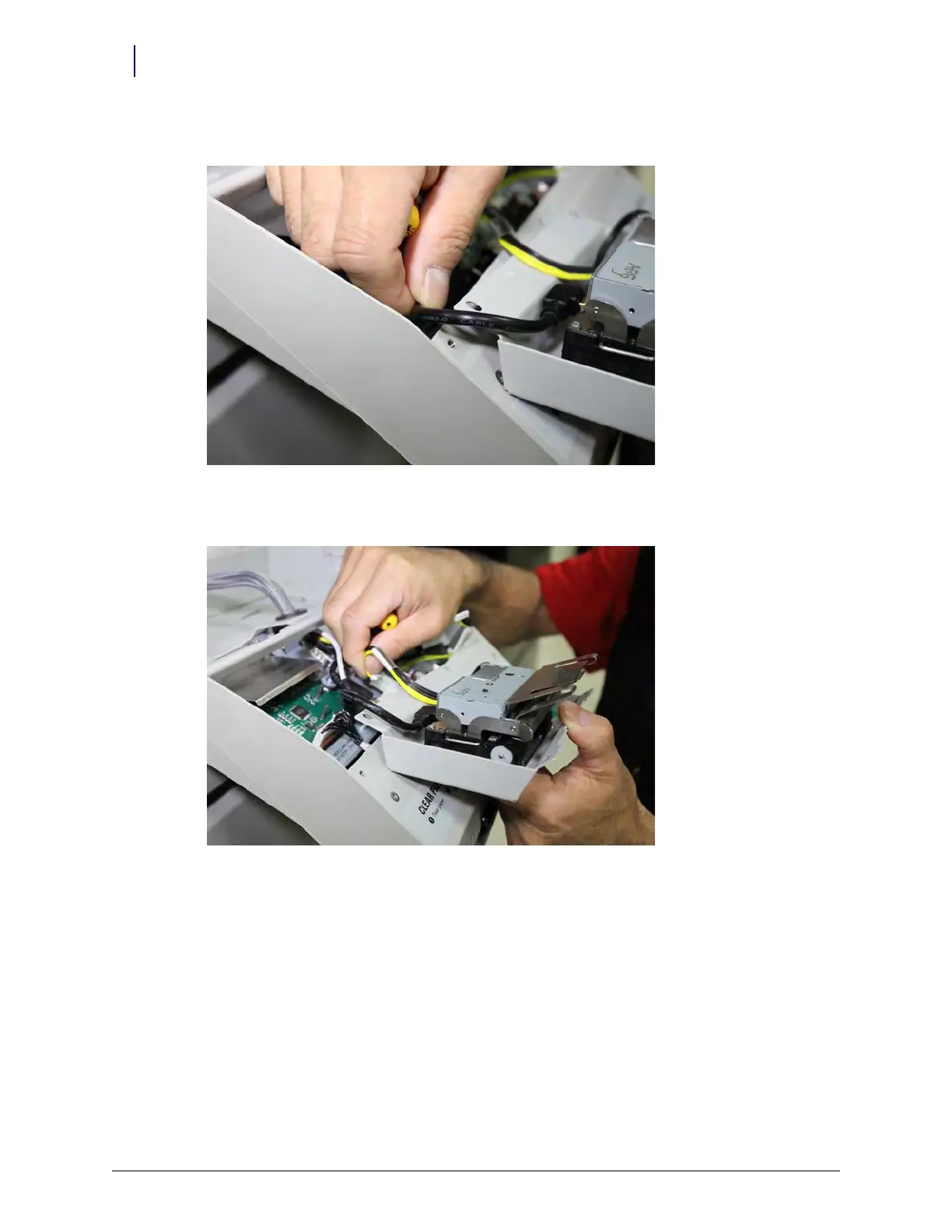
11. Remove the mini USB cable, but from the chassis circuit board, not the printer board.
Figure 13-40. Removing the Mini USB cable for the left printer
12. Remove the data cable from the chassis circuit board, not the printer board
Figure 13-41. Removing the data cable for the left printer



 To Next Page