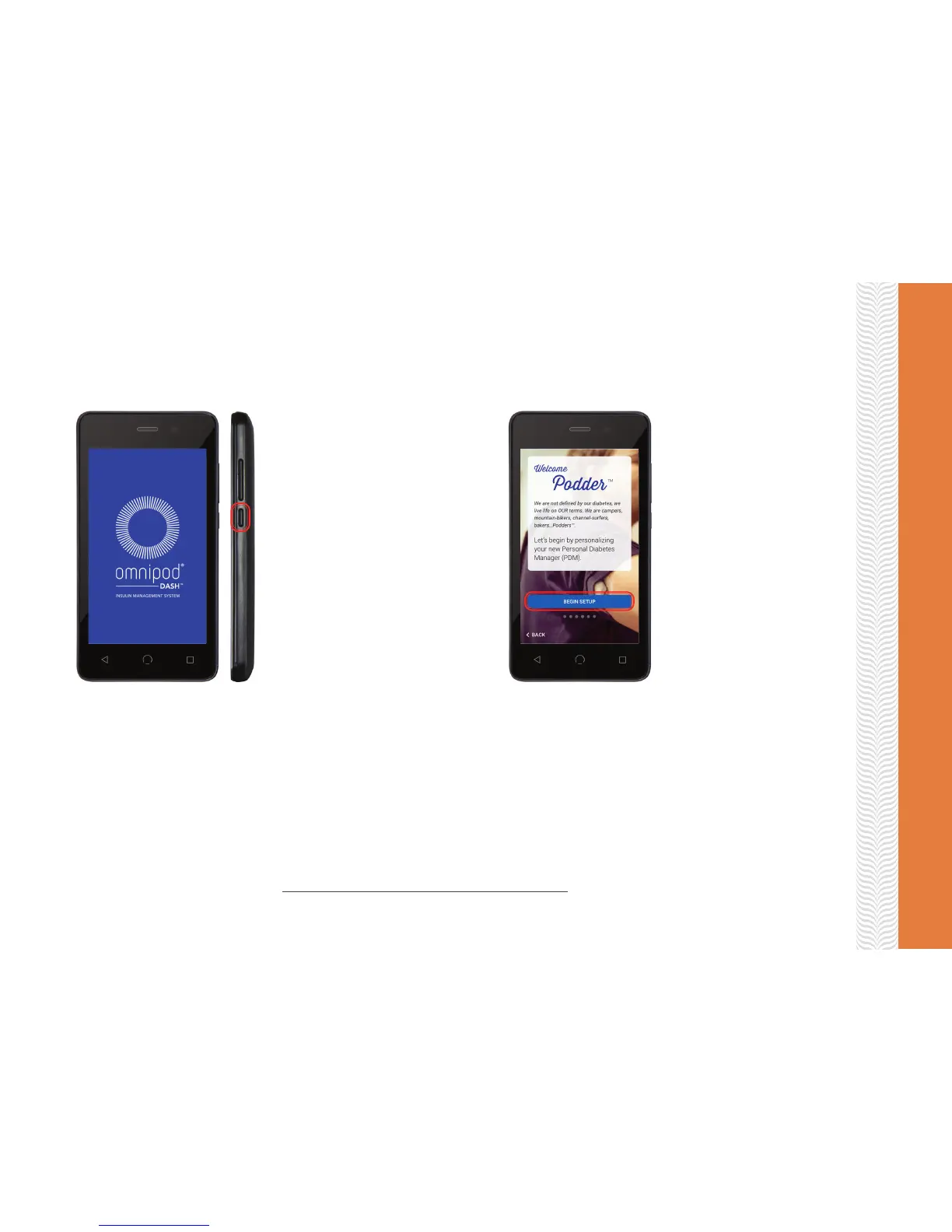
+ Hold down the Power button
to wake your Personal
Diabetes Manager.
+ You will begin by personalizing your new Personal Diabetes
Manager!
+ After personalization, you will enter your insulin delivery settings.
+ The Personal Diabetes Manager guides you step-by-step. Be sure
to read each screen, and accurately enter each setting.
+ For more information, refer to Chapter 2 “Initial PDM Setup” in the
Omnipod DASH
™
System User Guide.
Omnipod DASH
™
System Initial Personal Diabetes Manager Setup
Your initial pump therapy settings are needed to setup your new Personal Diabetes Manager.
These settings are provided to you by your healthcare provider.
9



 To Next Page