Page 18
3.4.5 Access the NMM Remotely
Remote access to the NMM is provided via SNMP, Telnet, FTP or an external serial modem connected to
the Serial Console Port.
3.4.5.1 Accessing the NMM via NetOutlook (SNMP)
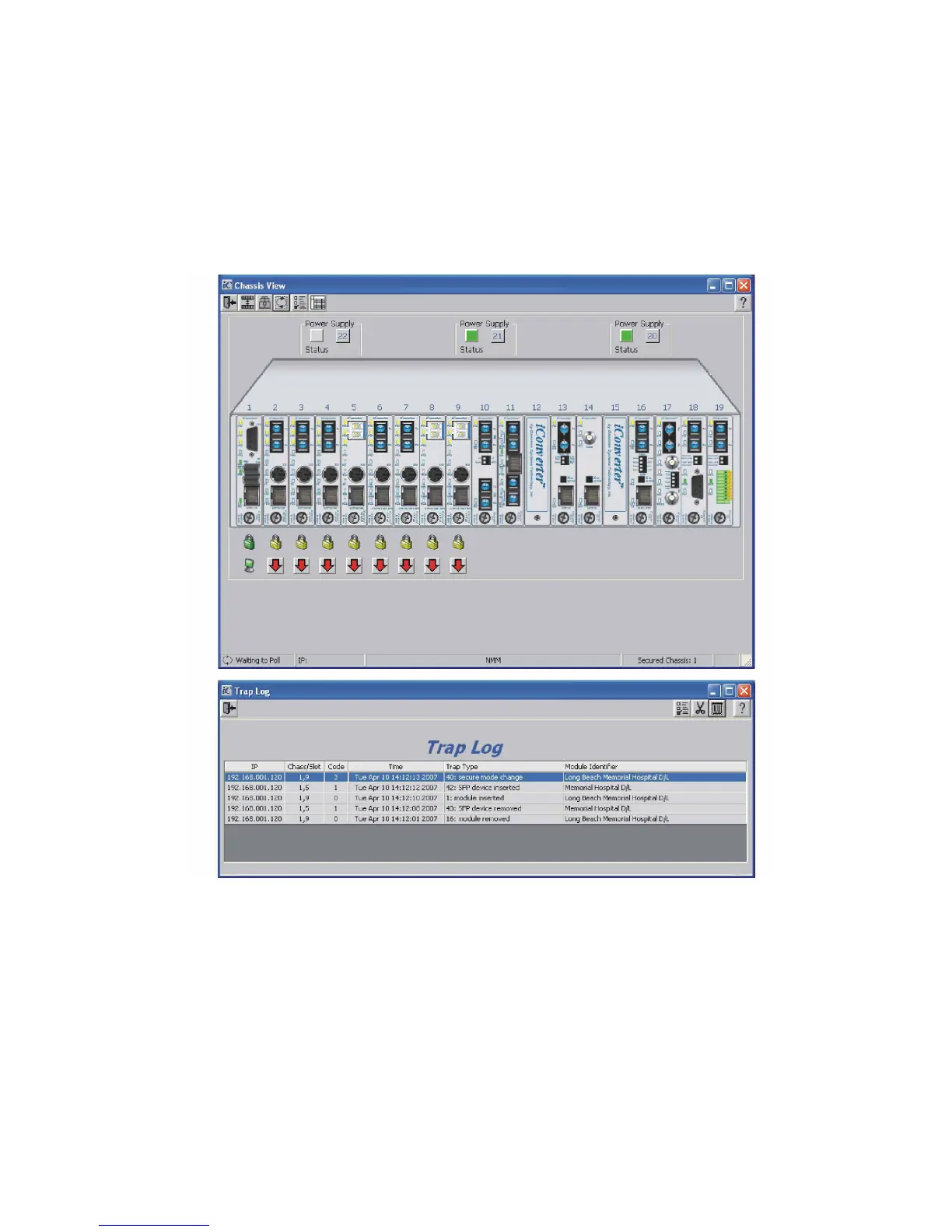
The NMM can be remotely accessed by SNMP-client software such as Omnitron’s NetOutlook SNMP
Management Software or third-party SNMP management software. See SNMP Preferences on how to
configure the required parameters.
NetOutlook Chassis View and Trap Log Screens
3.4.5.2 Accessing the NMM via Telnet
The NMM is shipped from the factory with Telnet enabled. The default Telnet password is “public”. It is
highly recommended that the network administrator set a new Telnet password in order to prevent
unauthorized access to the unit. Telnet configuration parameters are available from the IP and Control
Preferences screen, option 6.


 To Next Page