17
6. CONNECTIONS
Connect the RCA-cables (white=left channel, red=right channel) with the PHONO IN-sockets of your amplifier
or mixer. Connect the ground lead with the ground terminal of your amplifier or mixer.
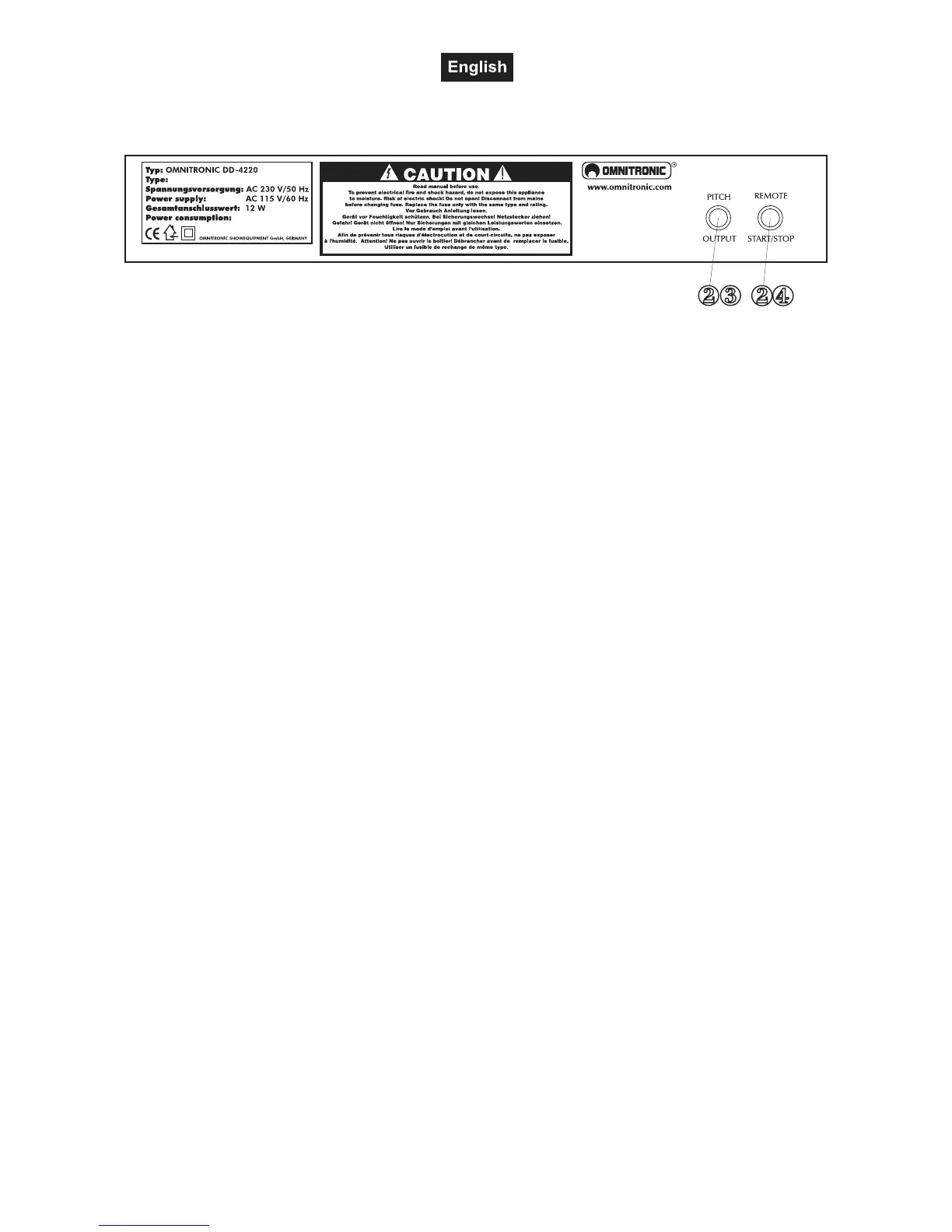
You can connect a footswitch etc. with the REMOTE START/STOP socket.
You can connect a beatcounter etc. with the PITCH OUTPUT-socket.
Connect the turntable to the mains.
7. ADJUSTING
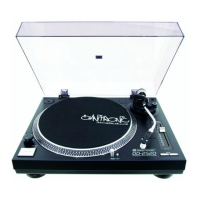
A) Adjusting the counterweight
• Remove the stylus cover.
• Set the Anti-skating-wheel to the 0 position.
• Set the tonearm lift to the down position
• Release the tonearm from the armrest and move it to a position between the turntable and the armrest.
Make sure that you do not damage the stylus.
• Carefully hold the tonearm and adjust the counterweight by turning it clockwise or anti-clockwise
respectively. The tonearm should be balanced to a horizontal position.
• Move the tonearm back to the armrest and clamp it.
• Set the scale on the counterweight to the 0 position without turning the counterweight.
• Turn the counterweight clockwise until the scale shows the value corresponding to the pressure of the used
stylus. Should you use a separate pick-up system, please follow the manufactuer's instructions.
B) Adjusting the tracking force
Set the Anti-skating-wheel to the value equivalent to the pressure of the used stylus. Should you use a
separate pick-up system, please follow the manufacturer's instructions.
C) Adjusting the playback-speed
• Press the START/STOP-button and the turntable begins to rotate.
• You can adjust the playback-speed by up to 20 %. If you wish to adjust the playback-speed by +/- 10 %
press the +/- 10 % button. If you wish to adjust the playback-speed by +/- 20 % press the +/- 20 % button. If
you wish to have the exact playback-speed with 0 % adjustment, press the QUARTZ LOCK-button.
If the +/- 10 % button is pressed:
• Watch the dotted lines on the platter's edge. The numbers next to the strobe-lamp correspond to the play-
back-speed adjusted via the Pitchfader.
Should the dots of the upper line seem to be standing still, the playback-speed is +7,2 %,
should the dots of the second line seem to be standing still, the playback-speed is +3,3 %,
should the dots of the third line seem to be standing still, the playback-speed is 0 %,
should the dots of the lowest line seem to be standing still, the playback-speed is -3,3 %,.
• If you wish to set the speed to 45 RPM, press the 45-button. If you wish to set the speed to 78 RPM,
simultaneously press the 33-button and the 45-button.
D) Adjusting the rotation-direction:
After turning the unit on, the platter moves forwards and the green LED is illuminated. You can reverse the
rotation-direction by pressing the Direction-button (red LED is illuminated).



 To Next Page