00068822.DOC, Version 1.0
12/16
4. CONNECTING A COMPUTER
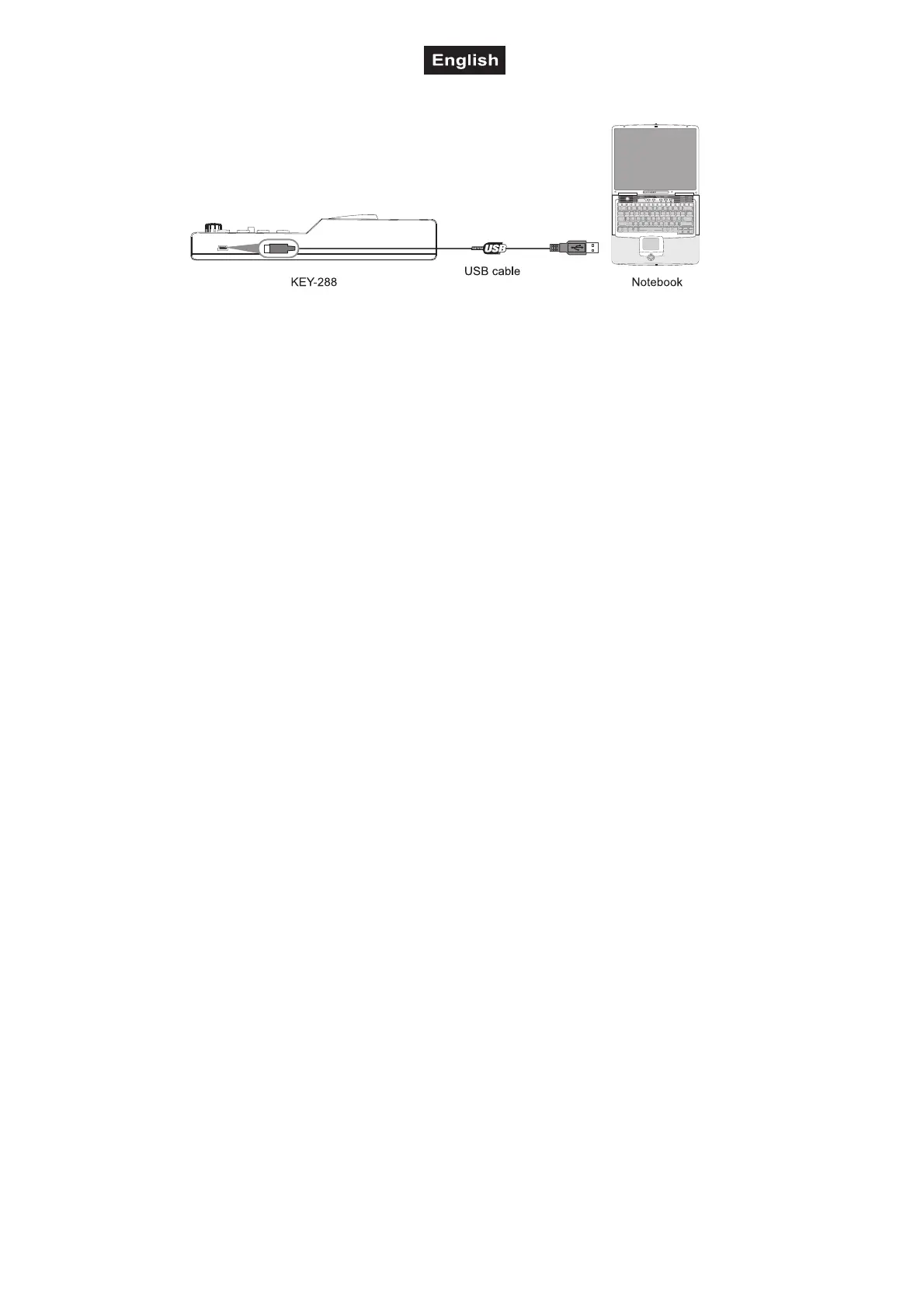
Use the included USB cable to connect the
KEY-288 to a USB 2.0 port on your computer.
The power will turn on and the Octave LED will
light up.
When you first connect the MIDI controller to your
computer, the standard USB MIDI driver will be
installed automatically.
Now select the KEY-288 as MIDI controller within
your music software and you are ready to go!


 To Next Page