31
7.Using the Memory Function
EN
Viewing Previous Measurement Results
Follow this procedure if you just want to view and compare previous measurement results,
without taking a measurement.
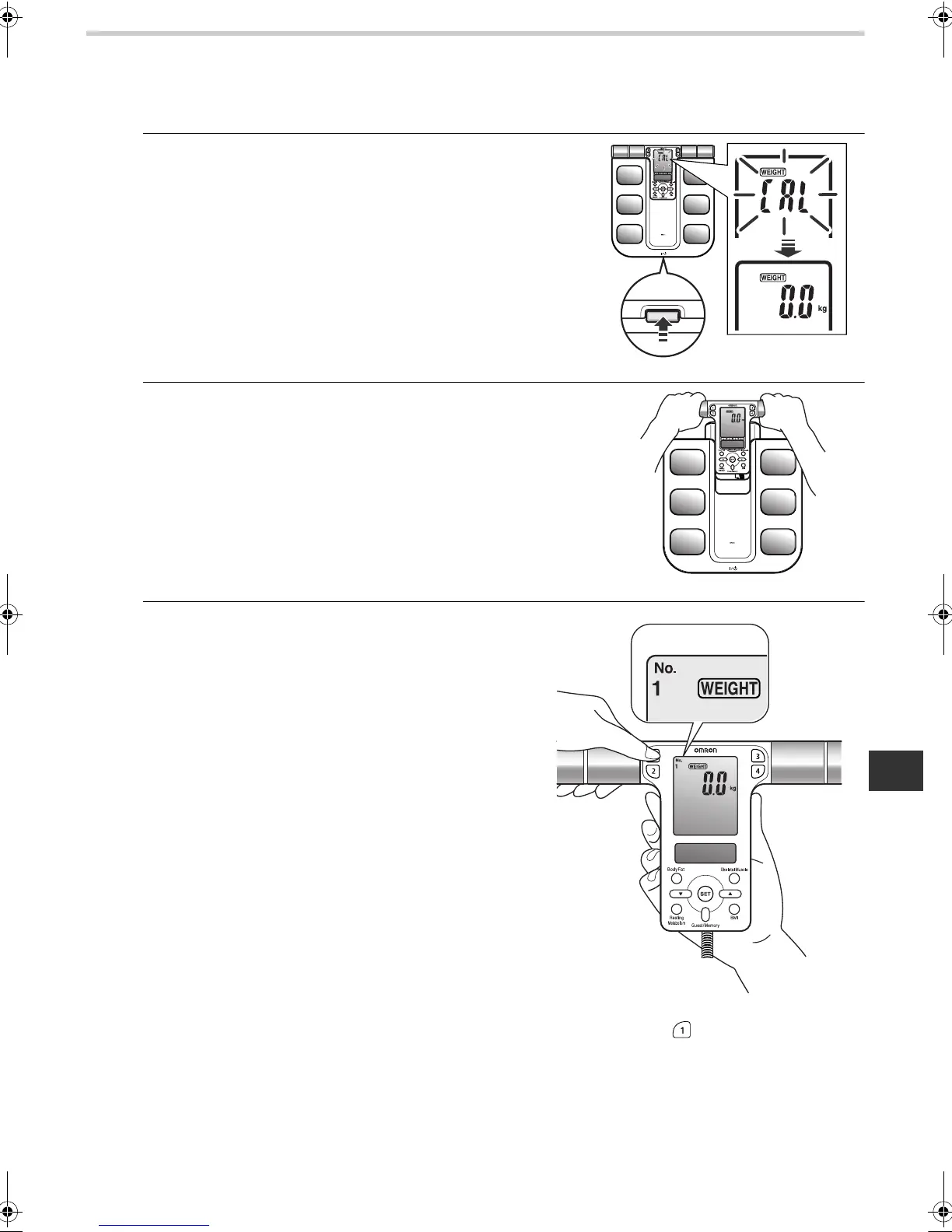
1. Turn on the power, by pressing the power switch.
“CAL” blinks on the display, then the display changes to
0.0 kg.
Note: Do not step on the unit to view previous
measurements.
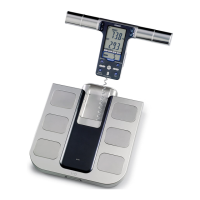
2. When the 0.0 kg appears on the display, take out
the display unit.
Note: Do not take out the display unit until 0.0 kg appears on
the display.
3. Press the desired personal profile number
button.
Ex.: To select personal profile number
“1”, press button .
HBF500-E.book Page 31 Friday, October 24, 2008 10:41 AM








 To Next Page