9
E4 English
5. Operation
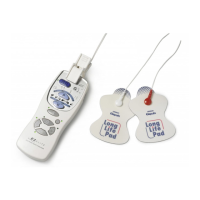
Caution! Make sure that the components are
connected well and the Long Life pads are fixed on
the part of the body you wish to treat!
Caution! Do not pull on the electrode cord during
treatment!
Note: Turn Adjustment Dial-switch for intensity
(1-10) if required.
5.1 Treatment program
1 Turn On/0ff-switch to level 1.
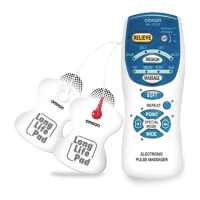
2 Select one of the twelve programs according to
your complaint.
5.2 Setting
1 Select Hyper mode or Soft mode.
For selecting Hyper mode press 3 seconds
Hyper button.
2 Select point pulse or wide pulse.
3 Press repeat button to have previous treatment
program start over.
Treatment program runs for 15 minutes.



 To Next Page