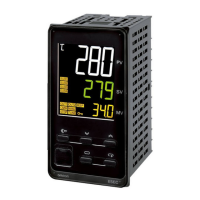
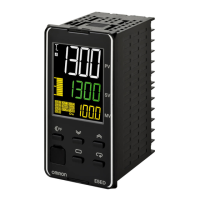
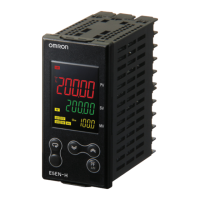
E5AK/E5CK/E5EK
E5AK/E5CK/E5EK
102
Security
Mode Set value
1
off
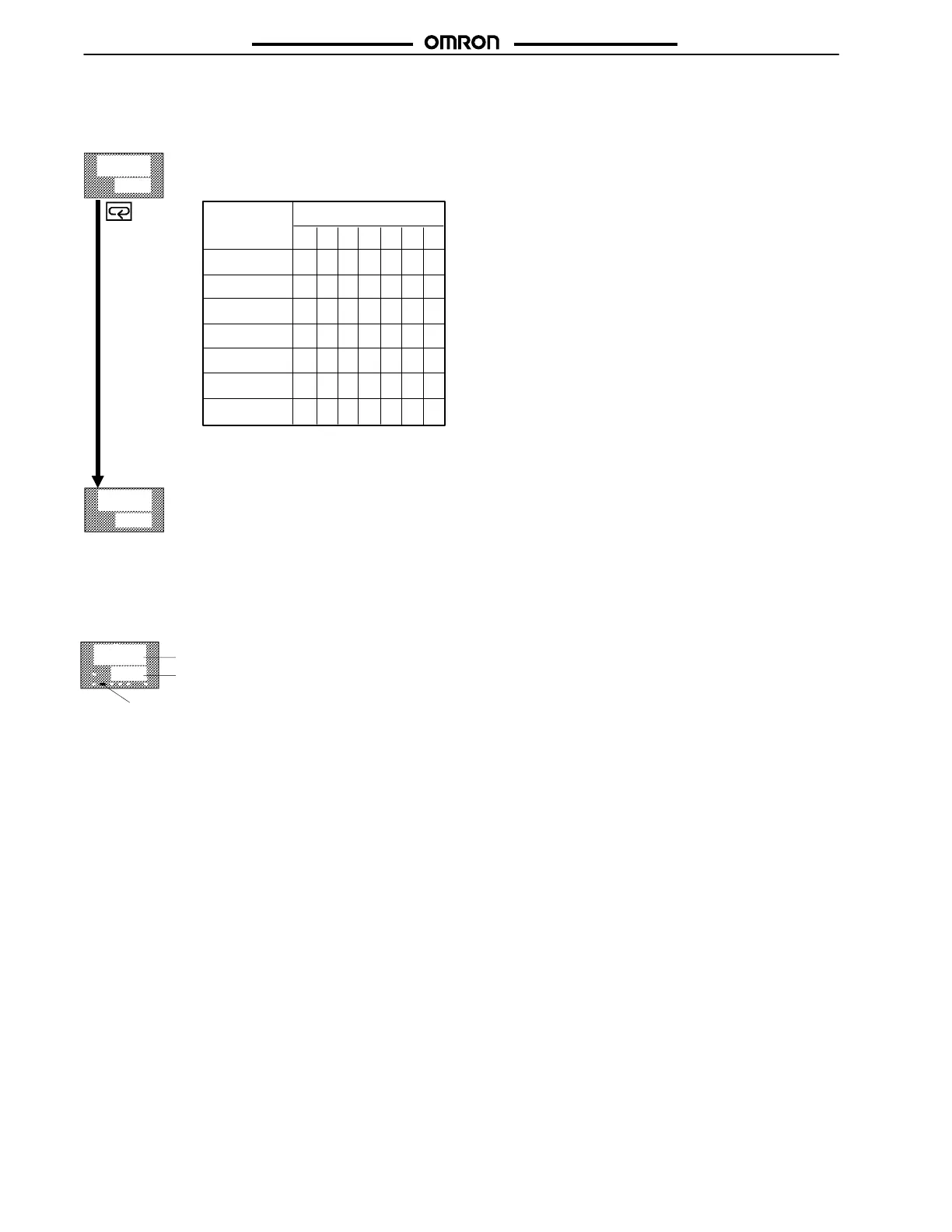
Using the Security Level Table:
Any mode marked with an X is displayed in the Security Level indicated.
s e c r
k e y p
Process value
Manipulated
variable
MANU
indicator
16.0
3 8. 8
A/M Key Protect
This invalidates the function of the A/M Key.
When the set value is 5:
Only the PV/SP monitor and set point parameter can be used.
When the set value is
6:
Only the PV/SP monitor parameter can be used.
⇐ Security Level
Selecting Security Level 2:
Displays these modes: Level 0, Level 1 and Level 2 only.
Does NOT display these modes: Setup, Expansion, Option, Calibration
Example:
MV Manual
xxxx xx
x
xxxx
xxx
⇑ Highest Security
Level (last column)
⇑ Lowest
Security Level
(first column)
xx
xx
xx
• To Access Protect Mode
Press and hold the A/M Key and the Display Key for more than 1 second.
To Return to the Main PV/SP Display from the Protect Mode
Press and hold the A/M Key and the Display Key for more than 1 second.
• To Access Manual Mode
Press and hold the A/M Key for more than 1 second.
Range = –105% to 105%
Calibration
Option
Expansion
Setup
Level 2
Level 1
Level 0
0123456
Note: For E5CK-302 models, this is done the same way, using the AT button.
Artisan Technology Group - Quality Instrumentation ... Guaranteed | (888) 88-SOURCE | www.artisantg.com


 To Next Page
 Loading...