8
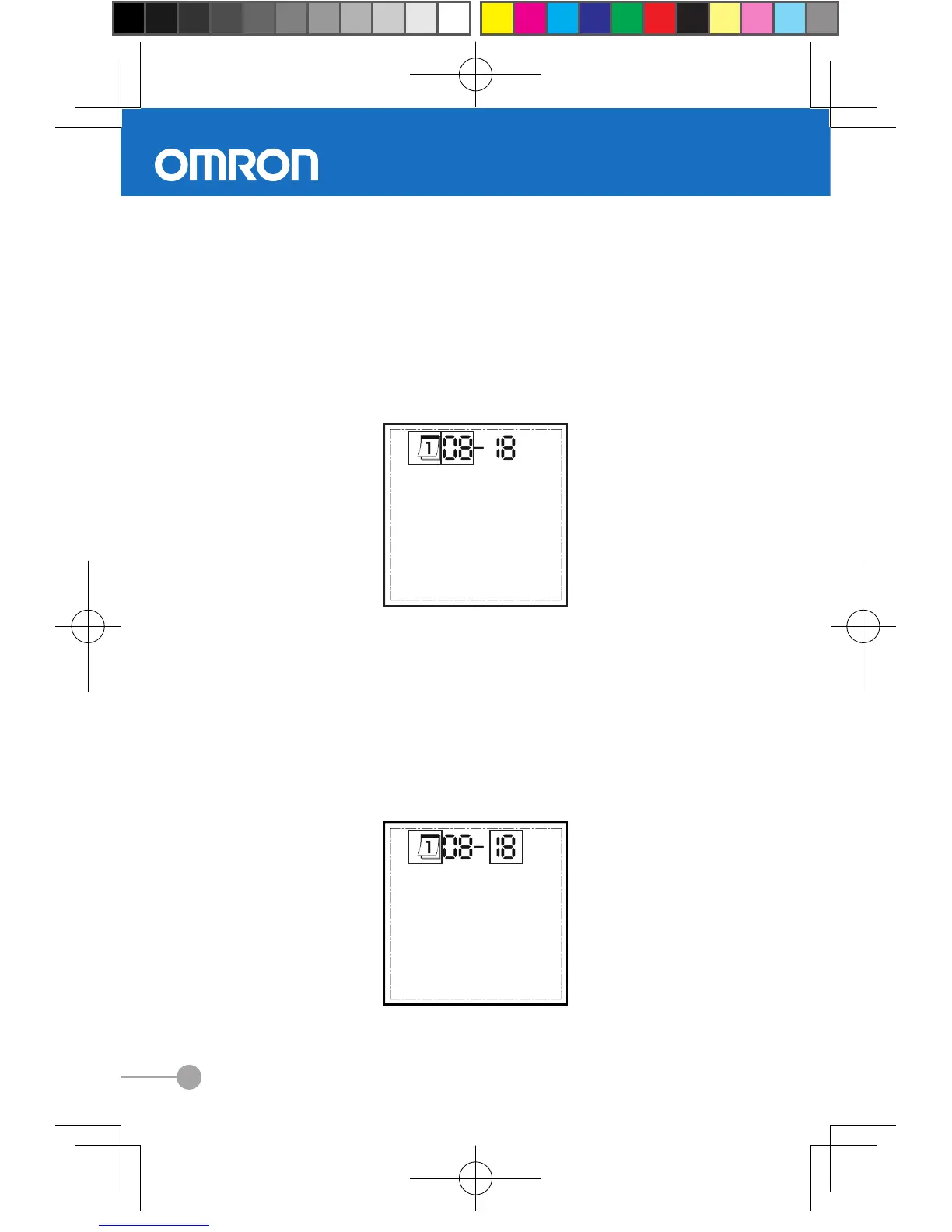
Setting month
Once you enter the month setting mode, the month field will
flash.
(1) Press the right button once to increase a month
(2) Press the left button once to decrease a month
(3) Then press and hold down the left button to save your
month. The display will now enter the date setting mode.
Setting date
Once you enter the day setting mode, the day field will
flash.
(1) Press the right button once to increase a day
(2) Press the left button once to decrease a day
(3) Then press and hold down the left button to save your
setting. The display will now show your new setting



 To Next Page