10
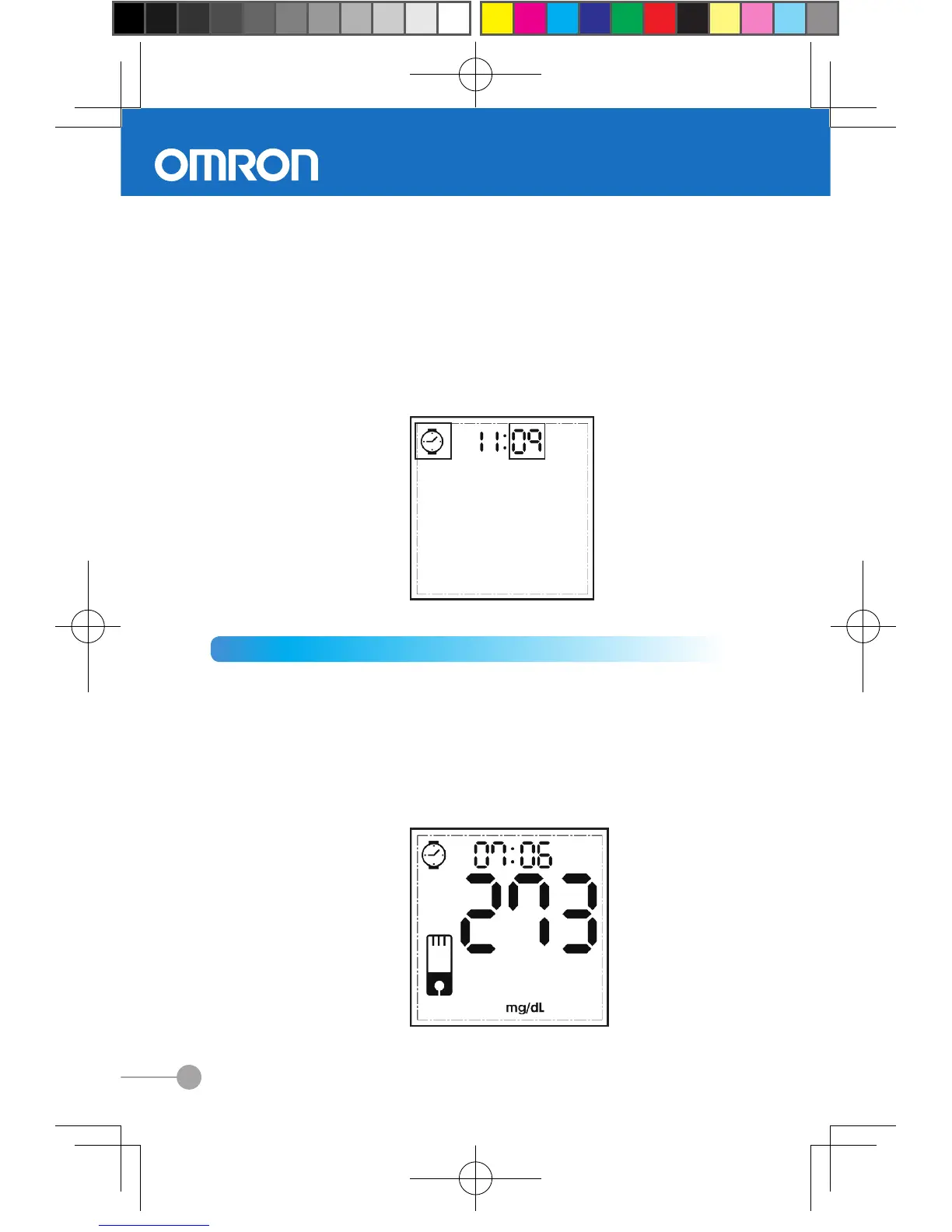
Setting Minute
Once you entered the minutes setting mode, the minute
field flashes
(1) Press the right button once to increase a minute.
(2) Press the left button once to decrease a minute.
(3) Then press and hold down the left button to save your
setting. The display will now show the time of your new
setting.
2.3 Performing a blood glucose measurement
1. Inserting a test strip
After inserting the test strip, the meter will turn on
automatically and all icons on the display will appear for
1 second. Then the display will show the most recent test
result. (For first time use or after battery changing, it will
enter into setting mode directly)


 To Next Page