11
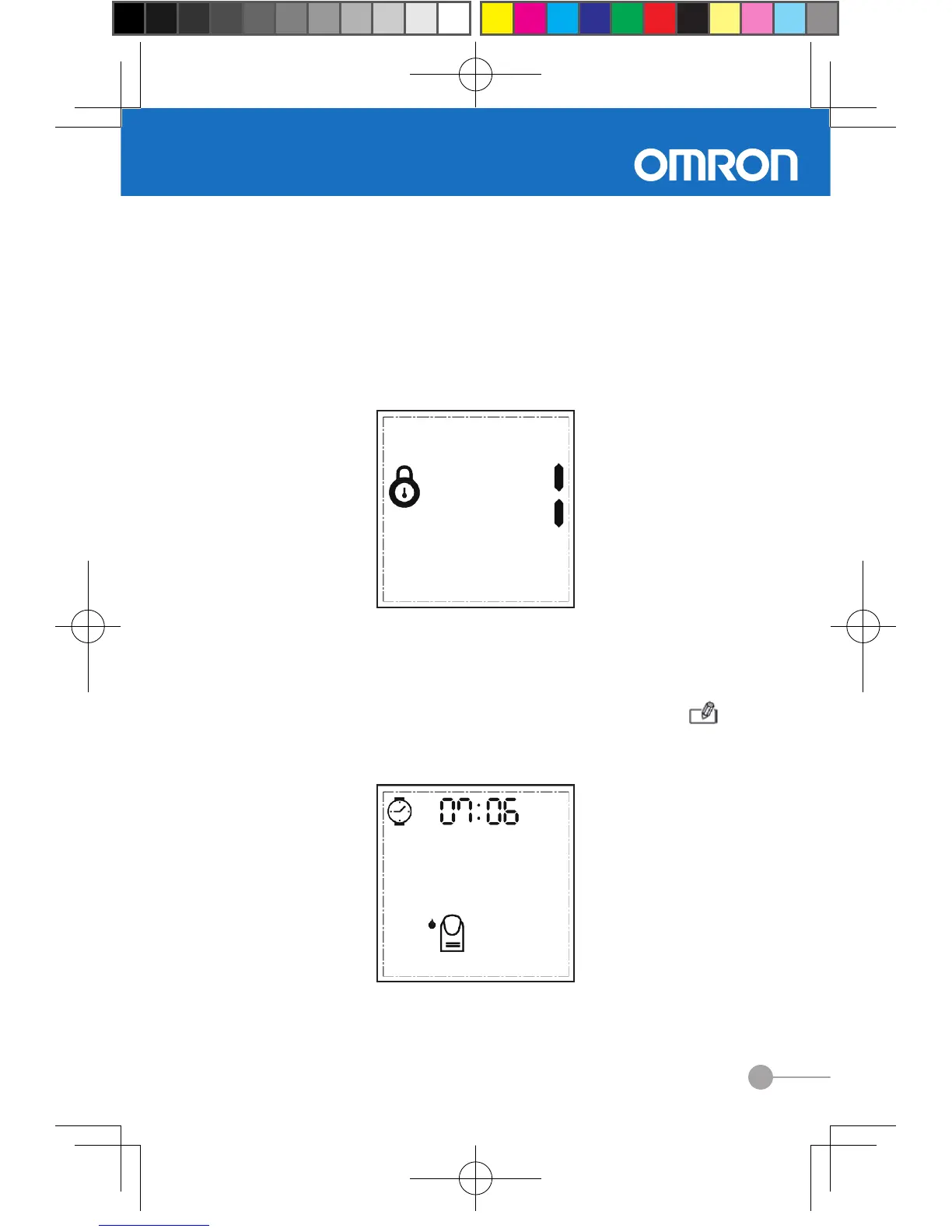
2. Entering the code number
The display will now show a locker sign and previous selected code
number.
Press the right or left buttons to increase or decrease the code
number. Adjust the code number on display to match the code
number on the test strip vial, then wait for 5 seconds to enter next
screen display.
3. Applying blood
After entering the code number, apply blood sign will appear on
display. Gently touch the blood drop to the tip of the test strip within
2 minutes, then glucose level will show on the display after
sign ashing for 5 seconds.If the warning sign appears, please see
chapter 8.


 To Next Page