21
2. Average the results
◆
How to enter the result averaging mode
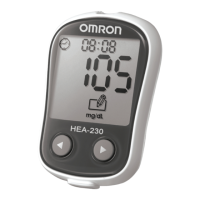
Press right button to turn on the HEA-230 system, then
all segments will appear on the display for 1 second.
The
sign will appear and the display will show the
most recent test result. Press and hold down left key will
display the most test recent result.
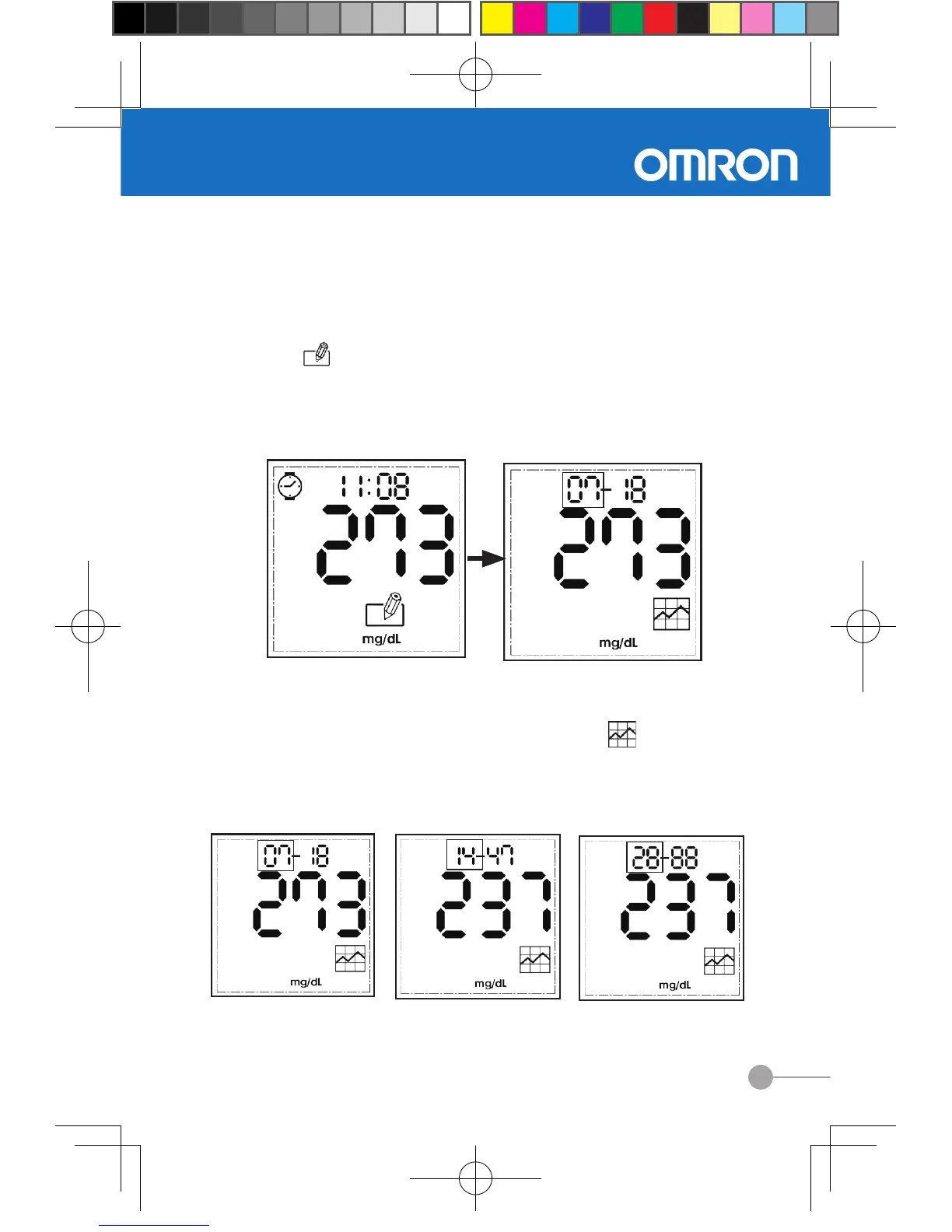
Press right button once to display result averaging sign.
◆
How to check average Information
□ Press and hold down the left button to enter result
average mode, then result averaging sign
flashes.
□ Press left or right button to calculate the average result
based on the test results stored for the past 7, 14 or 28
days.


 To Next Page