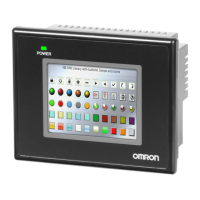
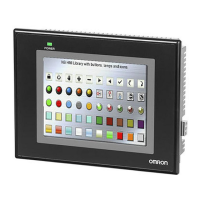
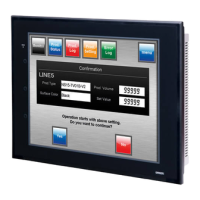
4-3 Removing the currently installed NB
4-3-1 Turning OFF the power to the currently installed NB
Turn OFF the 24V DC power supply to the NB.
4-3-2 Removing all cables
Remove all the cables connected to the NB.
4-3-3 Removing the storage devices (if used)
Remove the USB memory.
4-3-4 Removing the currently installed NB from the operation panel
Remove the currently installed NB from the operation panel.



 To Next Page
 Loading...