Direct Set-Up
To set up the ZAPPER for your Television, Video and Satellite Receiver (or
Cable Converter) follow the instructions below. To set up your Television:
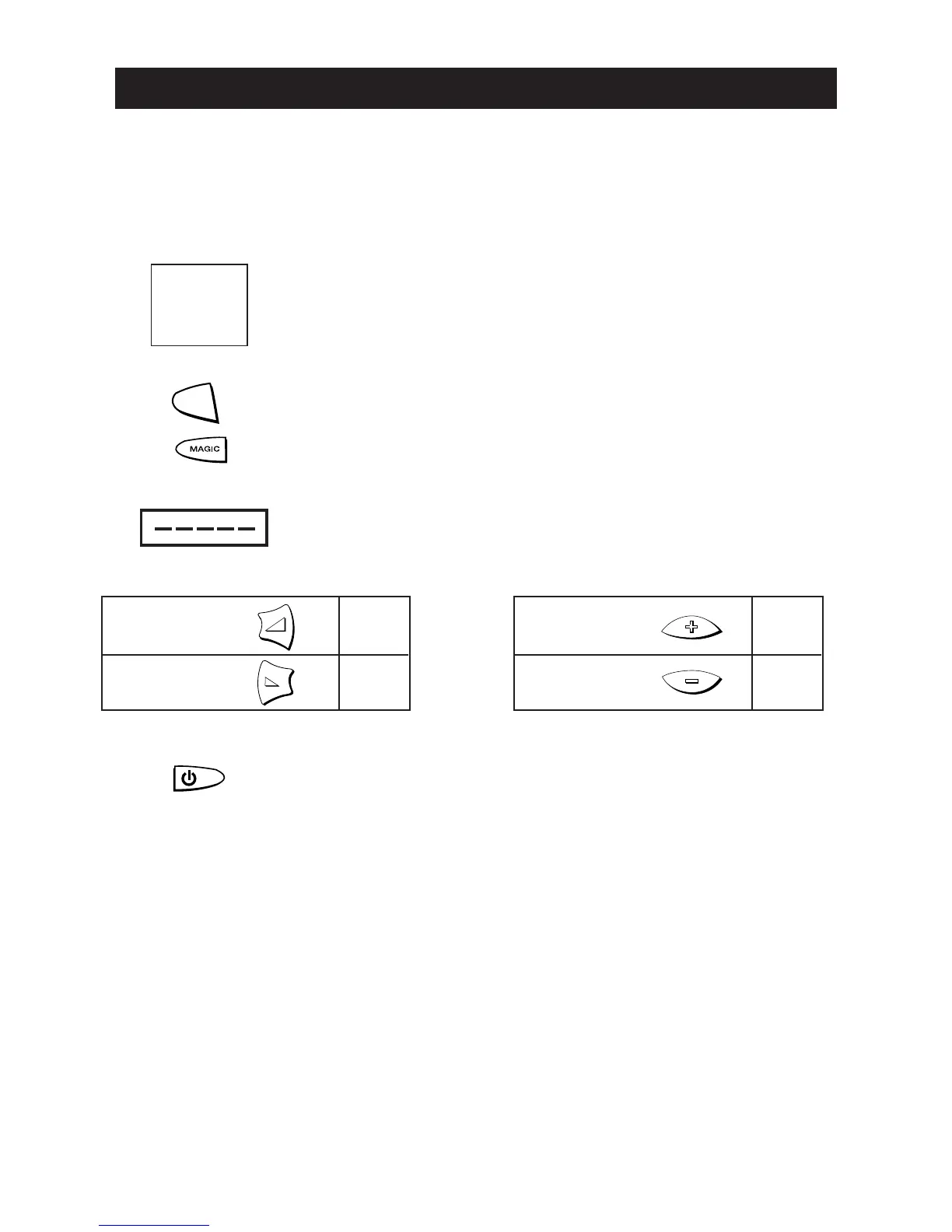
1 Find your Television code in the Set-Up Code section (page
66-80). Codes are listed by brand name. The most popular
codes are listed first. Make sure that your Television is
switched on (not in standby).
2 Press and release the TV key to select the device.
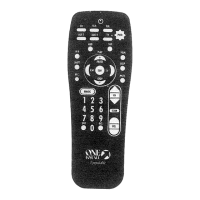
3 Press and hold down MAGIC until the red light blinks
twice (it will blink once then twice).
4 Enter your 5-digit code according to the chart below.
The red light will blink twice.
5 Now, aim the ZAPPER at your Television and press
POWER. If your Television switches off, your ZAPPER
should be ready to operate your device.
6 Turn your device back on and try all the remote’s functi-
ons to ensure they are working properly. If the functions
do not work properly, repeat steps 1-6 using another code
listed under your brand.
7 Write the codes for your TV, VCR and SAT in the
boxes provided on page 7 and inside the battery
compartment for easy future reference.
6 WWW.ONEFORALL.COM
Setting Up The ZAPPER





 To Next Page