EasyManua.ls Logo

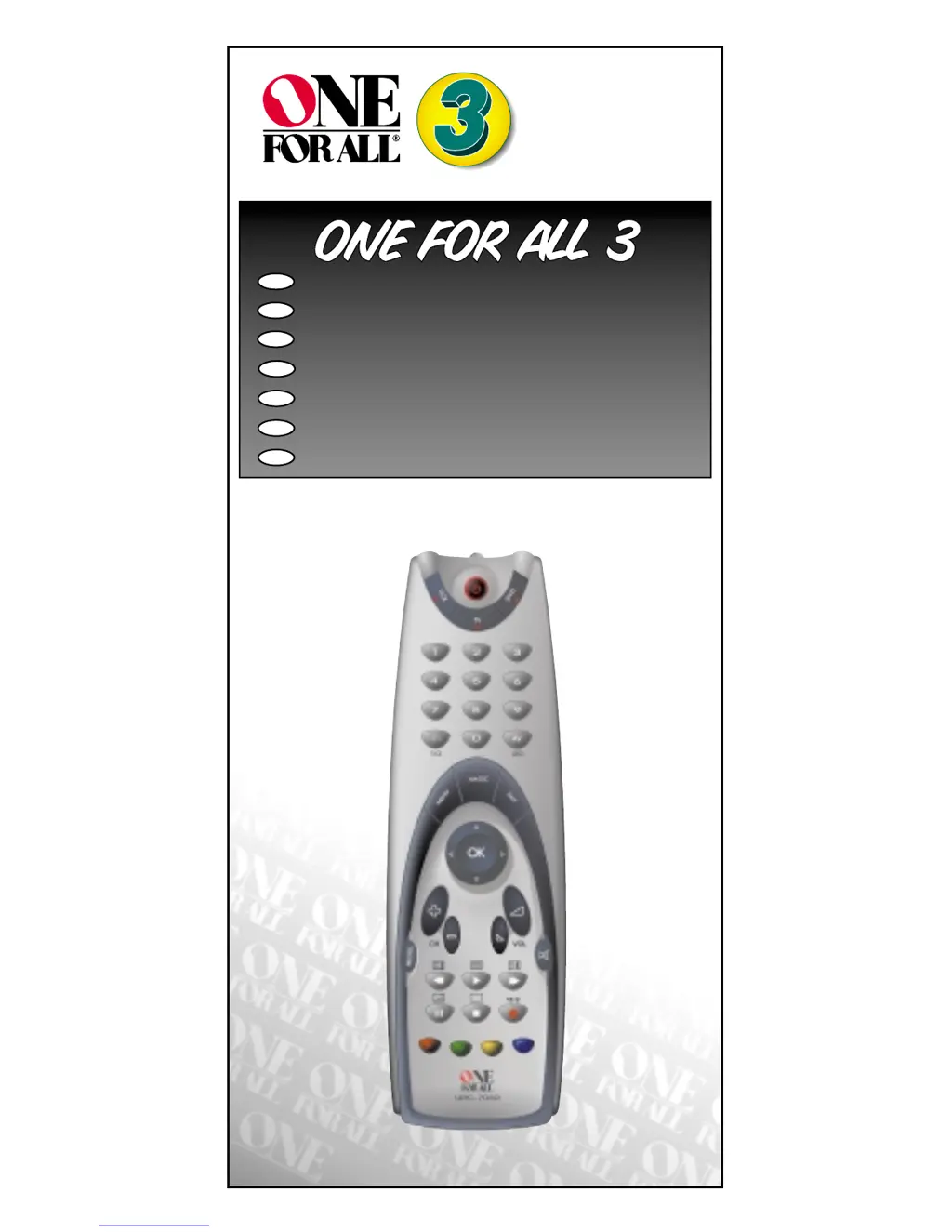
One for All 3 - User Manual

One for All 3
20 pages
Print Icon
To Next Page IconTo Next Page
Loading...
URC-7030
701927
ONE FOR ALL 3
Universal remote
F
D
UK
I
NL
P
E

Questions and Answers

  • R
    ryan20Jul 31, 2025
    Why is my One For All universal remote not working properly?
    • S
      Shelly SanchezJul 31, 2025
      If your One For All universal remote isn't performing commands correctly, it might be due to an incorrect code. Try repeating the Direct Set-Up process using a different code listed under your brand. Alternatively, restart the search method to find the right code.
  • M
    michael39Aug 6, 2025
    How to program One For All universal remote if it doesn't operate my device?
    • B
      bradley16Aug 6, 2025
      If your One For All universal remote isn't operating your device, attempt all codes listed for your brand. If that doesn't work, try the search method on page 7.
  • K
    Kevin LeeAug 12, 2025
    What to do if my brand is not listed in One for All 3 Universal Remote code section?
    • K
      katrina04Aug 12, 2025
      If your brand isn't listed in the code section for your One For All universal remote, try the search method on page 7.
  • T
    Tara HoffmanAug 17, 2025
    What to do if One for All 3 Universal Remote does not respond?
    • J
      Joshua ThompsonAug 18, 2025
      If your One For All universal remote isn't responding when you press a button, ensure you're using fresh batteries and that you're pointing the remote directly at the device you're trying to control.
  • K
    Kaitlyn RaymondAug 25, 2025
    What to do if video is not recording with One for All 3?
    • D
      Daniel McdonaldAug 25, 2025
      If your One For All universal remote isn't recording video, remember that you need to press the Record key twice as a safety feature.

Summary

Installing the Batteries

Core Remote Functions

Device Keys

Selects the home entertainment device to control.

Number Keys

Provides direct access to channel/program selection.

Magic Key

Used for setup and accessing special functions.

Advanced Functionality

Channel and Volume Controls

Manages channel selection and audio volume.

Teletext and Fastext Features

Accesses teletext and fastext modes for content viewing.

Playback and Display Options

Controls playback and screen format settings.

Installation Process

Setting Up Your Devices

Guide to program the remote to control your TV, VCR, or DVD player.

Device Code Search

The Search Method

Alternative setup method for finding device codes.

Code Reference and Key Management

Quick Code Reference

Space to record device codes for future use.

Device Key Configuration

Changing Device Key Mode

Allows reassigning a device key to a different device type.

Resetting Device Keys

Restores a device key to its default operational mode.

Advanced Features

Colour and Brightness Adjustment

Adjusts TV color and brightness settings.

Volume Punch Through

Controls TV volume from other device modes.

Auto Scan Function

Scans through all available TV channels automatically.

Sleeptimer and Recall Functions

Device Sleeptimer

Accesses the television's built-in sleeptimer.

ONE FOR ALL Sleeptimer

Installs a remote-based sleeptimer function.

ONE FOR ALL Recall (Previous Channel)

Programs and swaps between two favorite channels.

Trouble-Shooting

Customer Service

Guarantee Information

One for All 3 Specifications

General IconGeneral
BrandOne for All
Model3
CategoryUniversal Remote
LanguageEnglish

Related product manuals