8
LANGUAGE SELECTION
It is possible to choose between three languages for the text which is
displayed on the LCD of the Topline 5. You can chose between English,
French and German. The default setting is English. To change the language
selection, follow the procedure below.
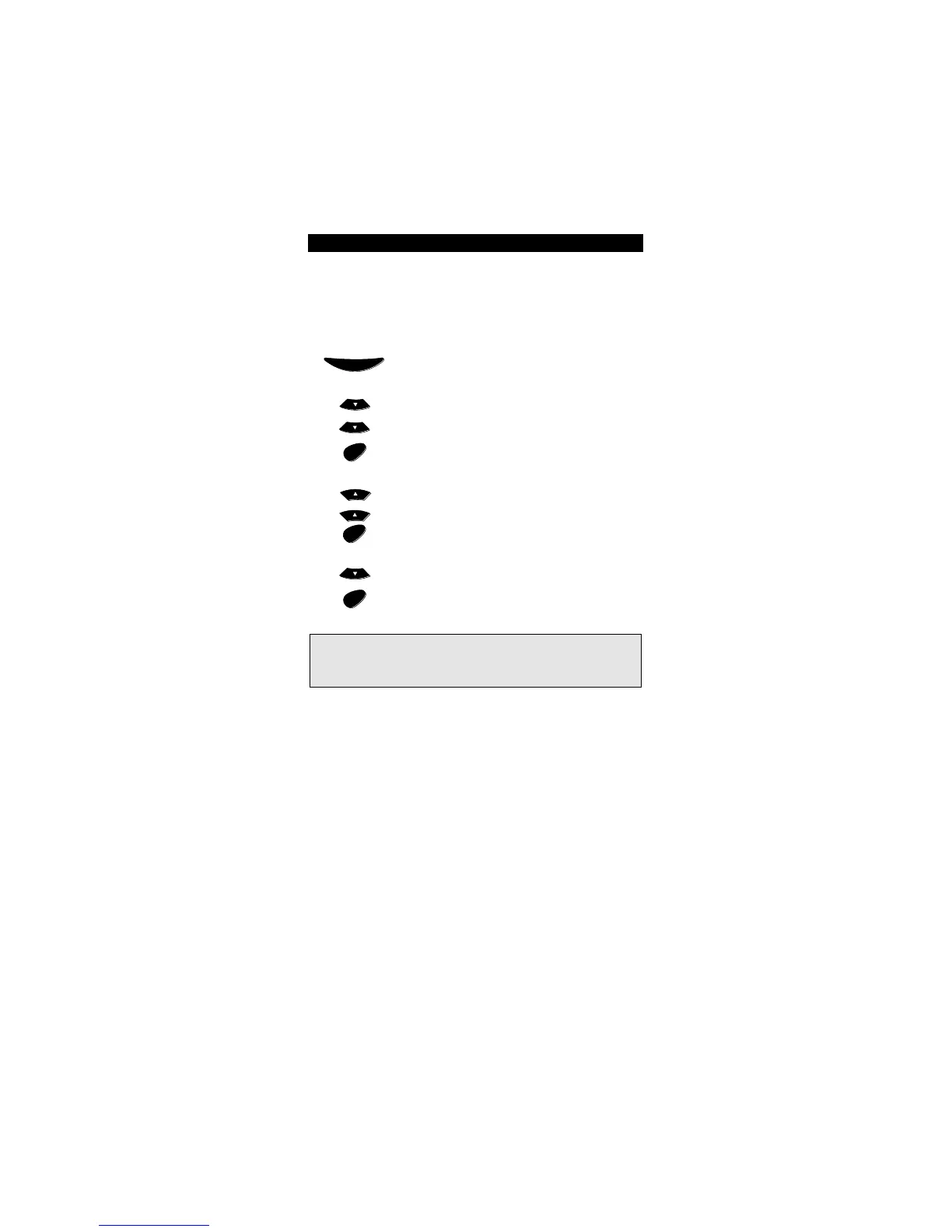
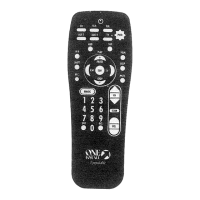
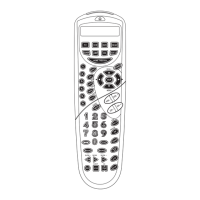
Press and hold the MAGIC key until the display screen
changes from [DEVICE and the TIME] to [TIMED SEQ].
Press MENU- twice, the display will change to
[CONFIGURE]. Press ENTER and the display will change to
[TIME SETUP].
Press MENU+ two times and the display will read
[LANGUAGE]. Press ENTER.
The display will read [ENGLISH]. Use the Menu- key to
cycle through the language choices. When you get to the
desired language, press ENTER. The display will return to
the main screen.
Basic Functions
1
2
4
3
Notes:
- If you make a mistake in your selection, press ESC and repeat the
procedure starting with step number 1.
- When you replace the batteries, the language you have selected will
stay programmed.




 To Next Page