11
PROGRAMMING A MASTER POWER MACRO
(continued)
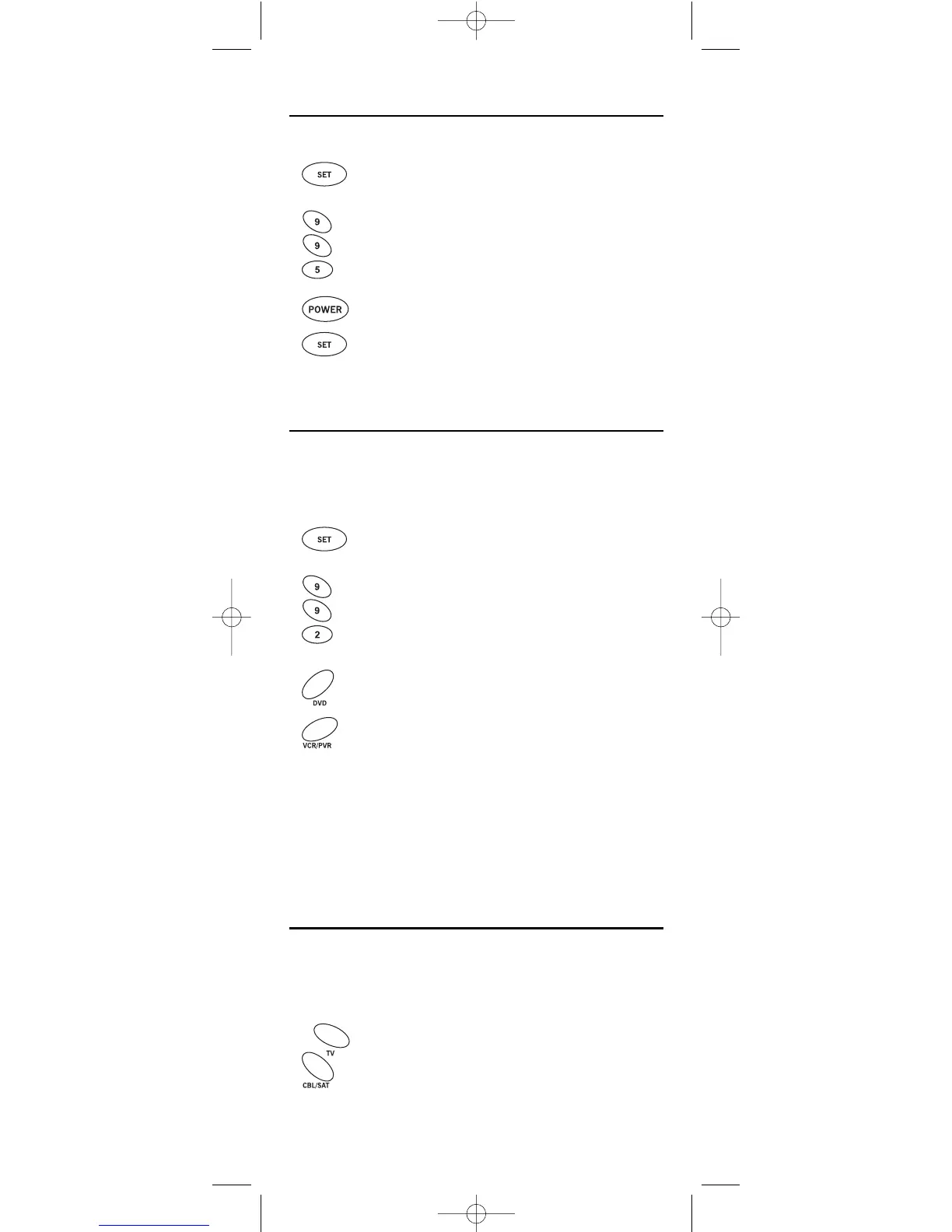
Clearing The Master Power Macro
1. Press and hold SET until the LED (red light) blinks twice,
then release
SET.
2. Enter 9 - 9 - 5.The LED will blink twice. Then press POWER
once.
3. Press and hold
SET until the LED blinks twice, then release
SET.The Master Power Macro is now cleared.
RE-ASSIGNING DEVICE KEYS
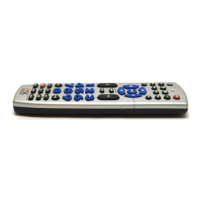
The One For All 4 Device Universal Remote Control can be set to control a
second PVR,VCR, or DVD player. For example, to control a TV, a cable box,
and
two DVD players, re-assign the unused VCR/PVR key to operate the second
DVD player as follows:
1. On the remote control, press and hold SET until the LED
(red light) blinks twice, then release SET.
2. Enter
9 - 9 - 2.The LED will blink twice.
3. Press
DVD once.
4. Press
VCR/PVR once. The LED will blink twice. The VCR/PVR
key is now ready to be set up to control your second DVD
player. See
Programming Device Control on page 8.
To re-assign a second VCR or PVR (or DVR) to the unused
DVD key, repeat
steps 1 through 4. However,in step 3 substitute VCR/PVR for DVD,and in step 4
substitute
DVD for VCR/PVR.Now the DVD key will be ready to be set up as your
second VCR or PVR (or DVR). See Programming Device Control on page 8.
NOTE: Only one device can be assigned to an unused device key at a time.
USING CHANNEL SCAN
In the CBL/SAT or TV mode,use the FAV key to start a 3-second scan of all
channels. Or, if programmed, use the FAV key to scan only your favorite
channels to view a desired channel (see Programming Favorite Channel Scan
on next page. )
1. Press
CBL/SAT or TV once.





 To Next Page