EasyManua.ls Logo

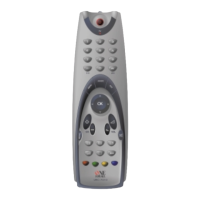
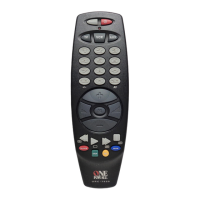
One for All URC 7800 Cinema 7 - User Manual

One for All URC 7800 Cinema 7
17 pages
Print Icon
To Next Page IconTo Next Page
Loading...
1
Web Site : http://www.oneforall.com
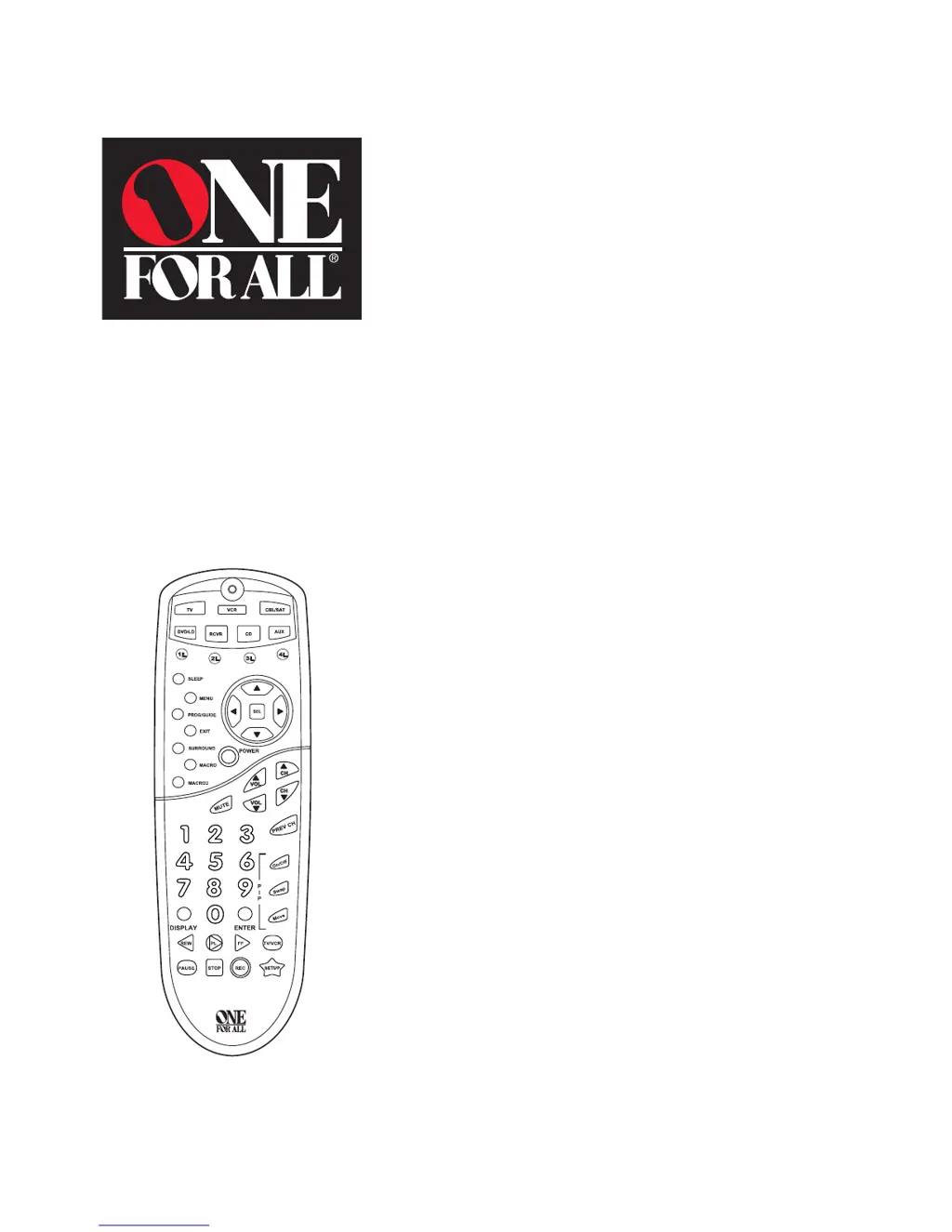
URC 7800
Cinema 7+
User Guide
Previous Model Name: Cinema 7

Questions and Answers

  • Q
    qmitchellAug 17, 2025
    What to do if One for All URC 7800 Cinema 7 red light doesn't blink?
    • C
      Carla PittsAug 17, 2025
      If the red light on your One For All Universal Remote does not blink when you press a key, replace the batteries with four new AAA alkaline batteries.
  • H
    hacostaAug 19, 2025
    What to do if One for All Universal Remote is not performing commands properly?
    • J
      josephrubioAug 20, 2025
      If your One For All Universal Remote is not operating your home entertainment components or is not performing commands properly, try all of the codes listed for your brand of home entertainment component in the “Setup Codes” section. Many setup codes may allow for partial functionality; however, only one setup code will operate your home entertainment component correctly. Make sure that all of the components you are setting up can be operated with an infrared remote control.
  • D
    Daniel YoderAug 22, 2025
    What to do if One for All URC 7800 Cinema 7 Universal Remote VCR is not recording?
    • S
      Sarah FlynnAug 22, 2025
      As a safety feature on the One For All Universal Remote, you must press the REC key twice.
  • A
    Allison WilliamsAug 26, 2025
    How to fix Sony receiver that will turn off but not back on using One for All URC 7800 Cinema 7?
    • S
      sanchezjenniferAug 26, 2025
      Try using the number pad on the One For All Universal Remote to turn the receiver back on. For example, try pressing 0 to turn on in the CD mode, or 4 to turn on in the Video 1 mode. Other numeric keys will also turn the receiver on. If this doesn’t work, try the following: Press RCVR once. Press and hold SETUP until red light blinks twice, then release. Enter 9- 9 -4 and press SETUP once. Then enter 5- 9 -1 and press POWER. The red light should blink twice. Power should operate properly now.
  • T
    Teresa HoltAug 28, 2025
    How to fix Sharp’s Picture In Picture (PIP) that won’t work properly with One for All Universal Remote?
    • S
      scarlsonAug 28, 2025
      Sharp’s PIP feature requires separate PIP functions for “on” and “off”. * For PIP “on”, press TV once. Press and hold SETUP until red light blinks twice, then release. Enter 9- 9 -4 and press SETUP once. Enter 3- 4 -8 and press PIP On/Off. The red light should blink twice. PIP “on” should operate properly now. * For PIP “off”, press TV once. Press and hold SETUP until red light blinks twice, then release. Enter 9- 9 -4 and press SETUP once. Enter 6-0 -6 and press SETUP PIP On/Off. The red light should blink twice. PIP “off” should operate by pressing SETUP then the PIP key.
  • J
    Joseph CookAug 30, 2025
    How to fix Sony’s Picture In Picture (PIP) that won’t turn off with One for All URC 7800 Cinema 7 Universal Remote?
    • R
      rojasderekAug 30, 2025
      Press TV once. Press and hold SETUP until red light blinks twice, then release. Enter 9 - 9 - 4 and press SETUP once. Then enter 6 -2 -1 and press PIP On/Off. The red light should blink twice. PIP should operate properly now.
  • J
    James GutierrezSep 2, 2025
    How to fix surround on Sony receiver that will not turn on using One for All URC 7800 Cinema 7 Universal Remote?
    • J
      Janet ThomasSep 2, 2025
      Press RCVR once. Press and hold SETUP until red light blinks twice, then release. Enter 9- 9 -4 and press SETUP once. Enter 3- 9 -8 and press SUR- ROUND. Red light should blink twice. Surround should operate now.
  • B
    Brett RobbinsSep 5, 2025
    What to do if One for All Universal Remote not learning a command?
    • K
      Kathy HallSep 5, 2025
      Make sure your remote controls are nose-to-nose and are no more than 2 inches apart.
  • R
    Rodney MontoyaSep 8, 2025
    What to do if One for All URC 7800 Cinema 7 can't program TV/VCR combo?
    • R
      Ryan SmithSep 8, 2025
      Try the VCR set-up codes for your brand. However, some combo units may require both a TV code for volume control and a VCR code for the remaining functions.
  • B
    Brianna NortonSep 12, 2025
    What to do if One for All URC 7800 Cinema 7 Universal Remote audio component not fully-operational?
    • A
      Amy CruzSep 12, 2025
      Audio functionality may be split between codes. For example, Pioneer’s Tuner code 0014 works tuner presets, but only Amplifier code 0013 works power and volume. This also true for Sony’s Receiver code 0158 and Misc. Audio code 0159. If some functionality is missing, try other codes to see if functionality resides there.

Summary

Features and Functions Overview

Installing the Batteries

Setting Up Your Components

Programming Your TV

Step-by-step guide to program the remote to control your television using setup codes.

Programming Your VCR

Instructions for programming the remote to operate your VCR using provided setup codes.

Programming Your TV;VCR Combo

Guide to program the remote for TV/VCR combination units using specific setup codes.

Programming Your DVD or Laser Disc Player

Instructions for setting up the remote to control DVD or Laser Disc players with provided codes.

Code Management and Customization

Searching for Component Codes

Procedure to find compatible codes for your equipment when direct matching fails.

Re-assigning Device Keys

Macro Key Programming

Troubleshooting Guide

One for All URC 7800 Cinema 7 Specifications

General IconGeneral
BrandOne for All
ModelURC 7800 Cinema 7
CategoryUniversal Remote
LanguageEnglish

Related product manuals