48
EN
GETTING STARTED
Before using the device, the following requirements are needed:
• A broadband connection in combination with a wired/wireless access
point, router or similar network device.
• The network device needs to support WIFI (802.11b/g/n) wireless
connection.
• A PC or smart phone with a network ready. This network has to be the
same one as the device eqtuipped with.
Battery installation (remote control)
1. Press the tab on the battery door and lift it o.
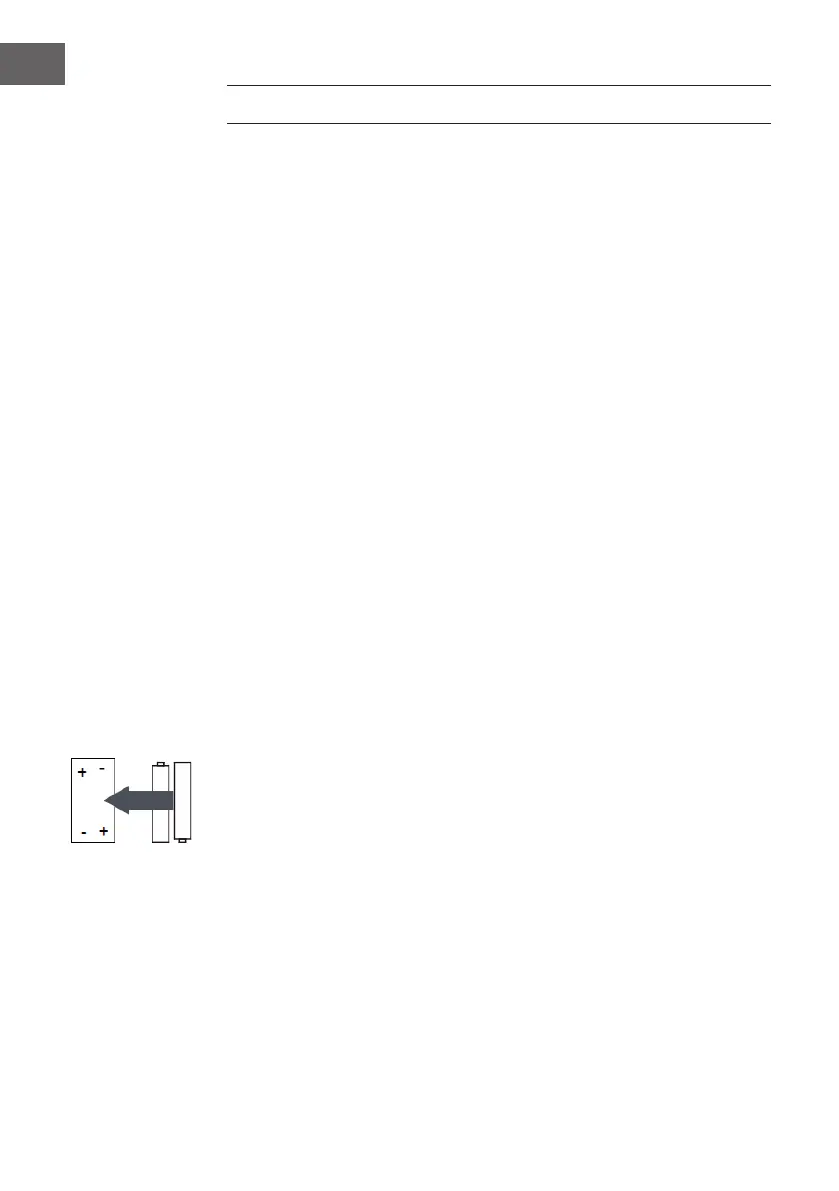
2. Install two (2) x AAA size batteries into the battery compartment as the
gure on right and the polarity markings inside battery compartment.
3. Replace the battery door
Battery precautions
Follow these precautions when using a battery in this device:
• Use only the size and type of battery specied.
• Besure to follow the correct polarity when installing the battery as
indicated in the battery compartment. A reversed battery may cause
damage to the device. Remove batteries to prevent damage or injury
from possible battery leakage.
• Do not mix dierent types of batteries together (e.g. alkaline and
carbon-zinc) or old batteries with fresh ones.
• Do not dispose of battery in re. Battery may explode or leak.
• Clean the battery contacts and also those of the device prior to battery
installation.
• If the batteries in the device are consumed or the device is not to be
used for a long period of time, remove the batteries to prevent damage
or injury from possible battery leakage.
• Do not try to recharge the battery not intended to be recharged; it can
overheat and rupture.



 To Next Page