67
EN
USB PLAYBACK
When USB playback is selected, insert the USB device into the USB port on
the front of the appliance.
Select YES to continue, return to Music play page and enter the USB
playback again. Turn the NAVIGATE knob on the unit or press the button
on the remote control to select the folder in USB device, Press the ENTER
button on the device and remote control to enter, then select desired le to
play.
During playing
Press the INFO button on the device repeatedly to check the track
information.
Press the
button to pause/play.
Press the button to skip track back and forth
Press and hold the button to fast forward or fast backward.
Press the button to return back to current playing le list.
When Repeat play is selected, set it to On to play repeatedly.
When shule play is selected, set it to On to play randomly.
NOTE: USB device is selected when inserted.
FM
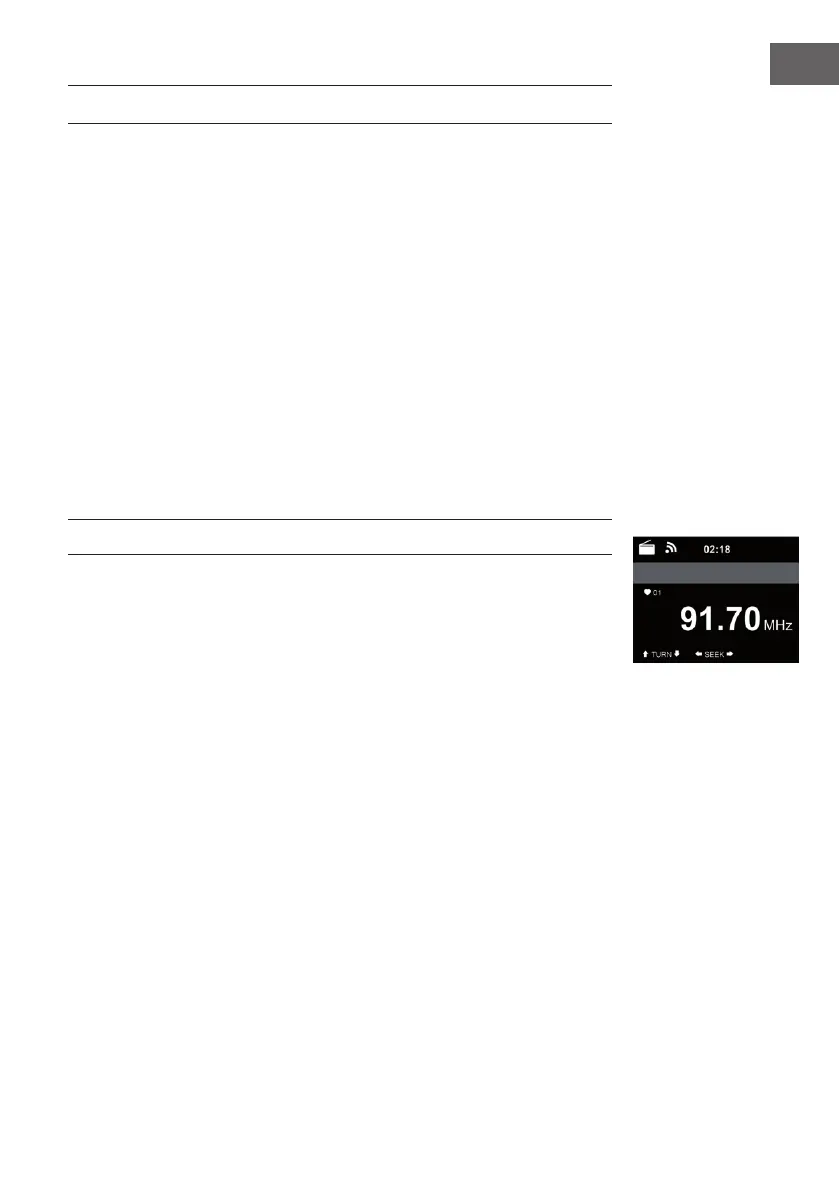
FM radio mode receives analogue radio from the FM band
Press button on the device or using the button of remote control
to search FM station. The frequency display starts to run up as RFA016 scans
the FM band. It stops when it has received a station, you may press / on
the remote control to tune station manually. Each step moves 0.05 MHz.
Press and hold the PRESS button on the remote control and the device to
save the station.
You can save up to 20 station. Press PRESET, then press on the remote
control or press PRESET button on the device to recall the saved station.
Alternatively, you can let the system scan ALL station for you by
pressing ENTER or Scan on the remote control. The searched station will
automatically be stored in preset station list.



 To Next Page