52
EN
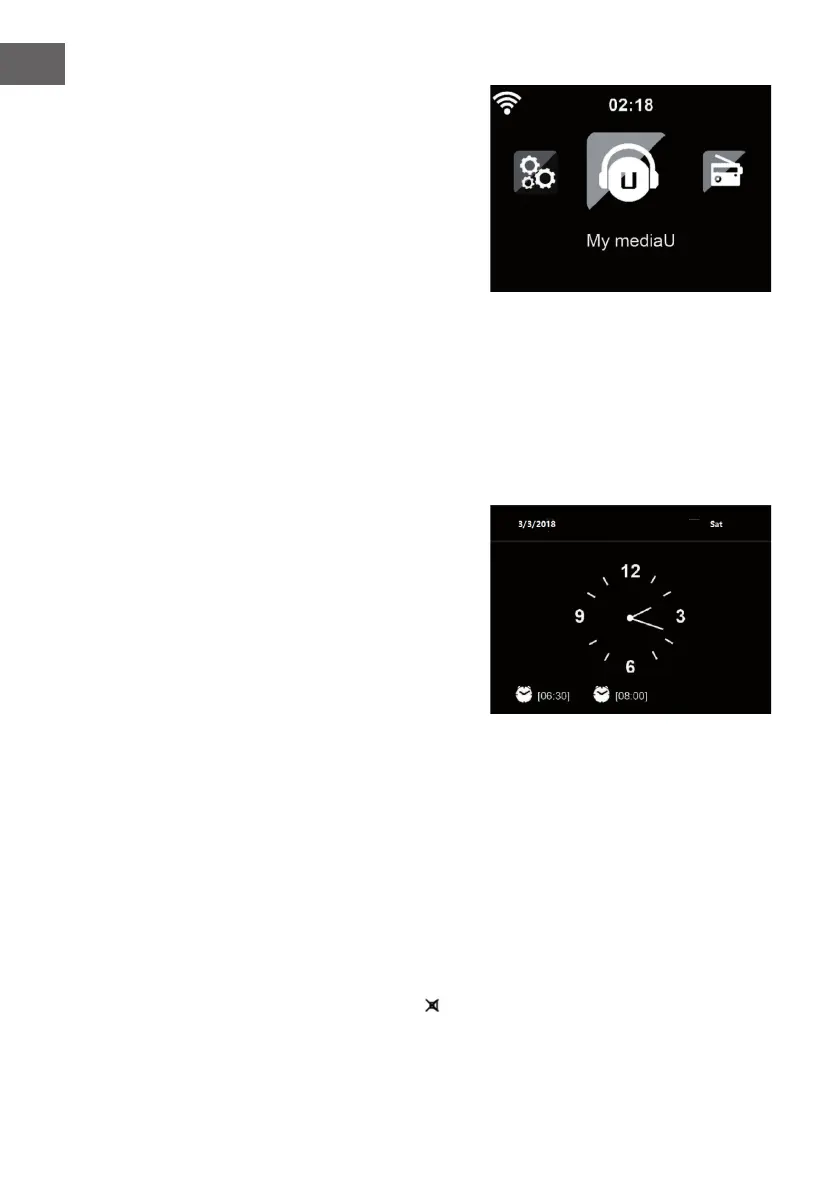
Once the connection is established,
the main menu appears with the
main menu items:
• Internet Radio: Access to
worldwide radio stations
• Media Centre: Access to your
UPnP devices via software with
streaming capability.
• Information Center: Access to
weather, nancial and system
information
• Con guration:Various system settings
• Local Radio: Access to radio stations in a particular region (e.g. only
German stations)
• My media U :Access to an online media library. This menu item only
appears if the function has already been enabled under Con guration
• Manage my media U.
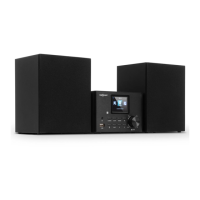
Press the standby button to
enter standby mode. The time,
date and any active alarm times
display on the screen.
If you have setup a network connection, and use 'Streamo' again within
the network, Streamo will automatically make the connection. In case
you desire to change the network, enter con guration to setup the
corresponding connection.
Rotate the UP/DOWN roll to input numbers/letters.
Once you are on the letter you want, press to move to the next entry.
When you are at the end the input, press Enter to con rm. You can press
to move to previous entry.
Rotate the volume reel or press the V-/V+ button of remote control to adjust
the volume. Or direct press
to mute the sound.



 To Next Page