07
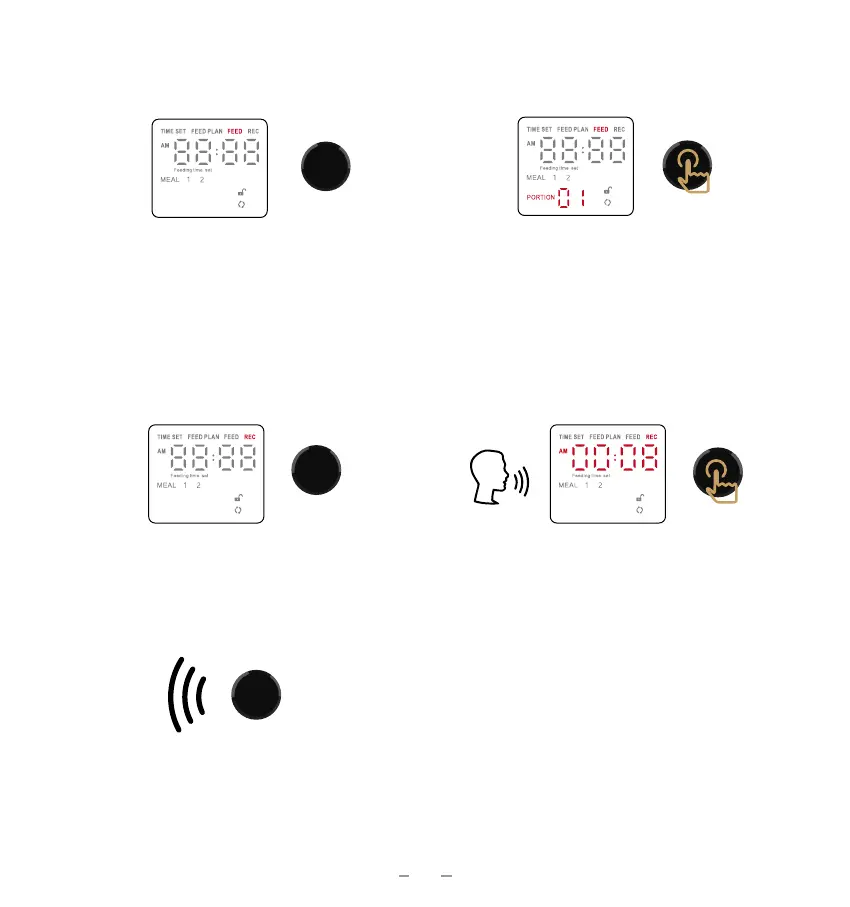
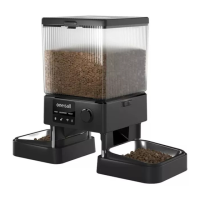
Manual Feeding Setting
1. Rotate the dial to select the
FEED menu.
2. Click it to release 1 portion of food.
Note:
When the FEED menu flashes, click the dial for multiple times within 1 second to
release more portions.
Record A Message
1. Turn the dial to REC menu. Click
it to enter the record setting.
2. Press and hold the dial, speak to the
microphone.
3. When the recording is over,
release the dial and the feeder will
automatically play the previous
recording as a preview.
4. You can repeat 1-3 to change the
recording.
Tips:
1. You can record a message within 10 seconds.
2. During the recording process, the feeder displays a 10-second countdown.


 To Next Page