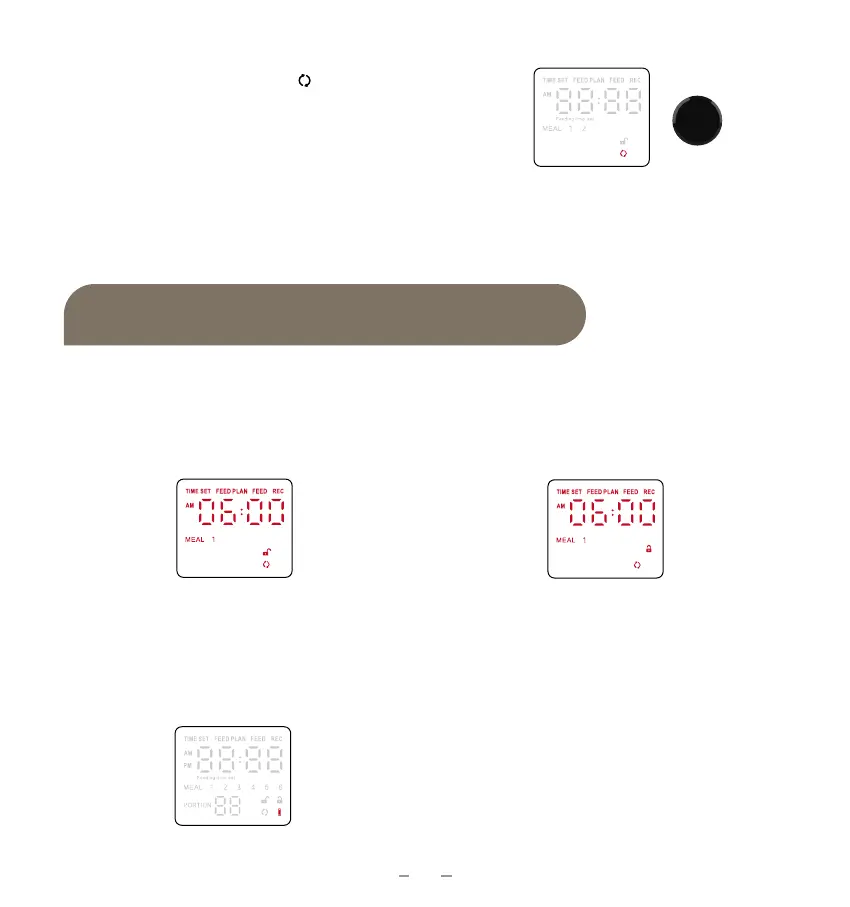
Statement for LED Display
08
Reset the Feeder
1. Rotate the dial to select .
2. Press and hold for 7 seconds to restore
the device to factory settings.
Tips:
You will hear 2 sounds of Beep when the feeder restore to factory.
1. When setting the feeder, if there is no
operation within 10 seconds, the feeder
would back to standby automatically.
In standby, unlocked.
2. No button for Locking. Do Not
operate and wait for 30 seconds, the
feeder would lock automatically.
Locked.
3. When using batteries only, if you do
not operate, the display would be off
within 30 seconds.
4. The feeder uses a 12-hour clock.


 To Next Page