13 | What’s in the Box Device OxygenOS Safety Information
Hamburger Menu and Settings
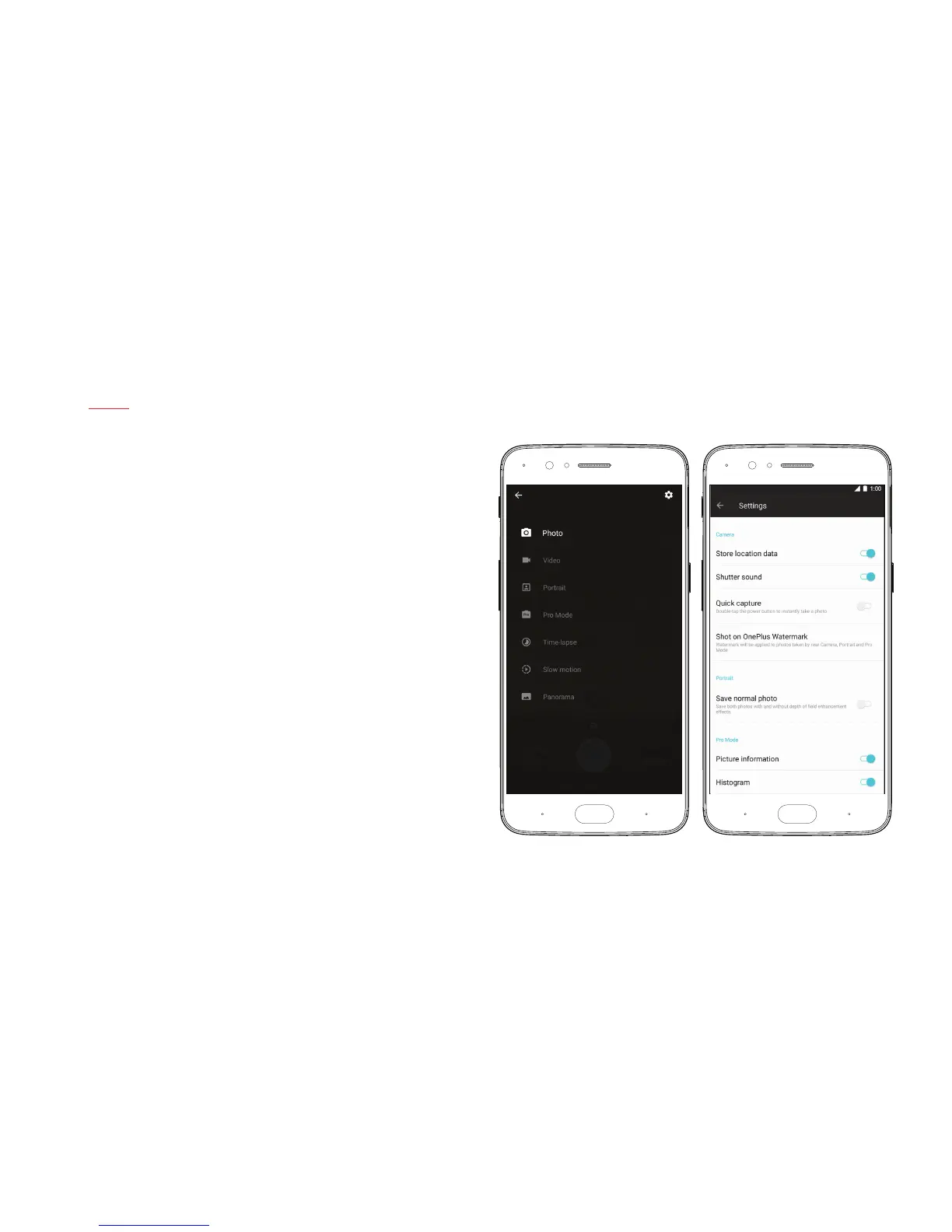
Tap on the Hamburger menu in the Camera UI to unroll the menu options.
Aside from the options discussed elsewhere in this guide, you can also
access the time-lapse, slow motion, and panorama features in this menu.
You can also tap on the settings icon in the top-right corner of the screen,
which allows you to store location data, adjust the grid of the UI, and toggle
the histogram on or off.



 To Next Page