21
| What’s in the Box Device OxygenOS Safety Information
Launcher
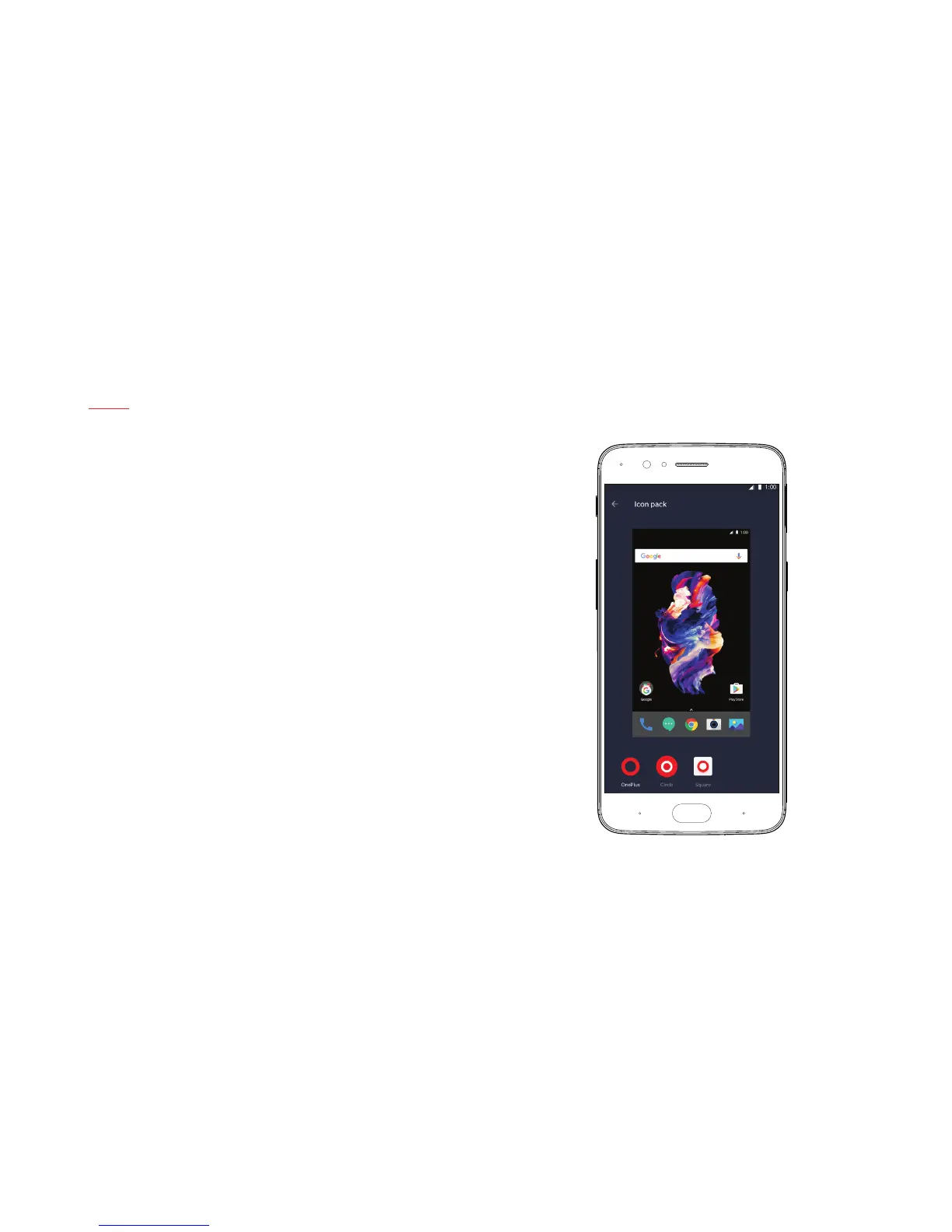
The launcher supports third-party icons and allows you to change your app
drawer grid, assign gestures & more. Users can freely switch between three
available icon packs, to make sure their phone suits their style. To access
the App Drawer, simply swipe up on the home screen. All of your apps are
automatically arranged in alphabetic order, for easy access. Long-press
on the home screen to open the launcher options, which you can use to
change to a different icon pack, select a different wallpaper, and more. Freely
customize quick access icons in the status bar to improve navigation.
You can re-arrange icons by long pressing on the home screen and clicking
“Rearrange” to remove clutter.



 To Next Page