26
| What’s in the Box Device OxygenOS Safety Information
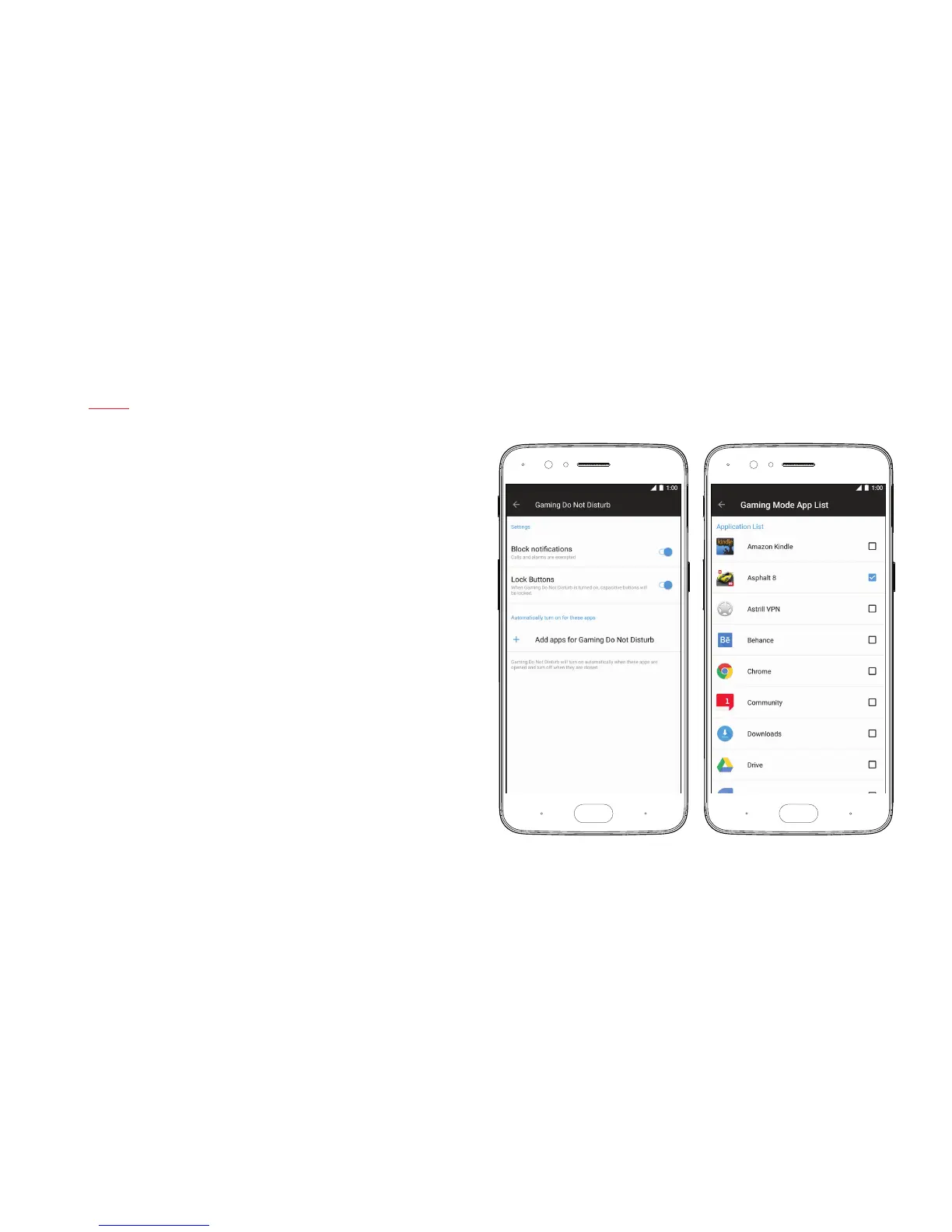
Gaming Do not Disturb
You don’t want to be disturbed while you’re in the heat of a challenging level.
When Gaming DND is turned on, notications are blocked and the hardware
keys are turned off to ensure you won’t be bothered unnecessarily. You can
manually turn on Gaming DND in the Advanced Menu under Settings, and
you can also set Gaming DND to turn on automatically when you start up
your favorite games.



 To Next Page