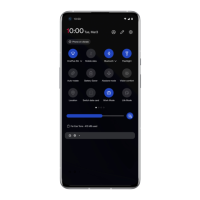
screen display settings.
Adaptive brightness: When enabled, the
phone will optimize the screen brightness
setting according to ambient light conditions.
You can also manually adjust the slider bar
below to set your preferences.
Sleep: After the time is set, the screen will
turn off automatically when the device is not
in use.
Night mode: When enabled, the device will
adjust to the color temperature you have set
for minimizing eye fatigue.
Screen calibration: Selecting a different
color mode will give different display results.
Ambient display: You can set WHEN TO
SHOW and there are 2 options:
Pick up your phone to show.
Tap the screen to show.
You can set WHAT TO SHOW:
Smart display.
Display message.
New Notifications.
Font size: Set the size of the font.
Display size: Set the display size of content
(e.g., icons and fonts). Note that this may
affect how some third-party apps are


 To Next Page