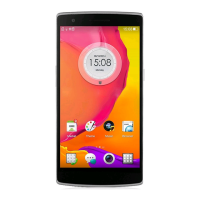
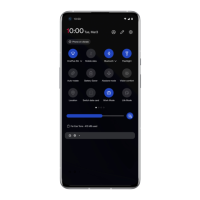
Tap X on the bottom of the screen to clear
background tasks.
*Pinned apps will not be closed.
Lock background apps
In the recent apps list, tap the menu icon in the
upper right corner of the app card. Select Lock
to stop the app from being closed or cleared.
Home screen
Learn to set wallpapers, widgets and home
settings to personalize your phone.
App icons and folders
Open the app drawer by swiping up from the
bottom of the home screen.
In the drawer, press and drag an app icon to
add it to the home screen.
Drag an app icon onto another app on the
home screen to create a folder.
Wallpapers
Long press a blank space on the home screen
and select WALLPAPERS to set your home
screen wallpaper and lock screen wallpaper.
Widgets
Add widgets: Long press a blank space on


 To Next Page