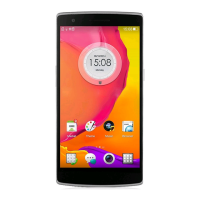
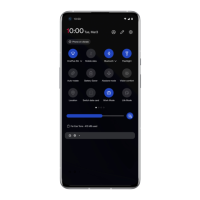
Restrict notifications: You will see
notifications on your screen.
Default duration: You can customize the
settings.
Earphone mode
You can set preferences for connecting wired
headsets and Bluetooth headsets such as
automatic resume music playback, and
automatic call answering.
Ringtone & vibration
Calls: Set the ringtone for incoming phone
calls.
SMS: Set the ringtone for text message (SMS)
notifications.
Notification: Set the vibration intensity and
ringtone for other notifications.
System
Enable or disable sound or vibration for touch
tone, dial pad, screen lock and screenshot.
Buttons & gestures
Alert slider
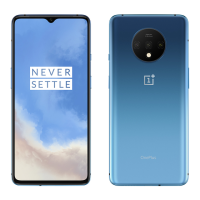
The alert slider is located on the right side of the


 To Next Page