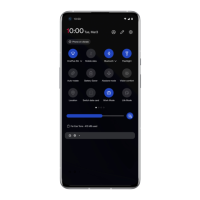
Grayscale removes the screen’s color, do not disturb will mute
sounds so you aren’t woken up by calls or notifications. When wind
down ends, your phone changes back to its usual settings.
Reduce interruptions: Manage notifications and do not disturb.
Click Manage notifications to disable or enable app’s notifications. For
do not disturb, please, see Do Not Disturb for settings.
Google
Battery
Go to Settings > Battery to view battery details
and set battery preferences.
Usage totals: View battery usage details since
full charge and the list of which processes use
the most battery.
Battery Saver: Enable this to extend battery life.
Battery saver will turn off some device features
and restrict apps.
You can choose to manually turn it on or select
Turn on automatically when the remaining
battery is lower than the set value.
Battery optimization: Optimize battery life by
controlling the background behavior of apps,
Tap Battery optimization, choose the apps to
optimize, and select Optimize.
Storage
Go to Settings > Storage to view storage
details. You can free up storage space and view
the amount of storage space occupied by
various types of files.



 To Next Page