1
7
5
6
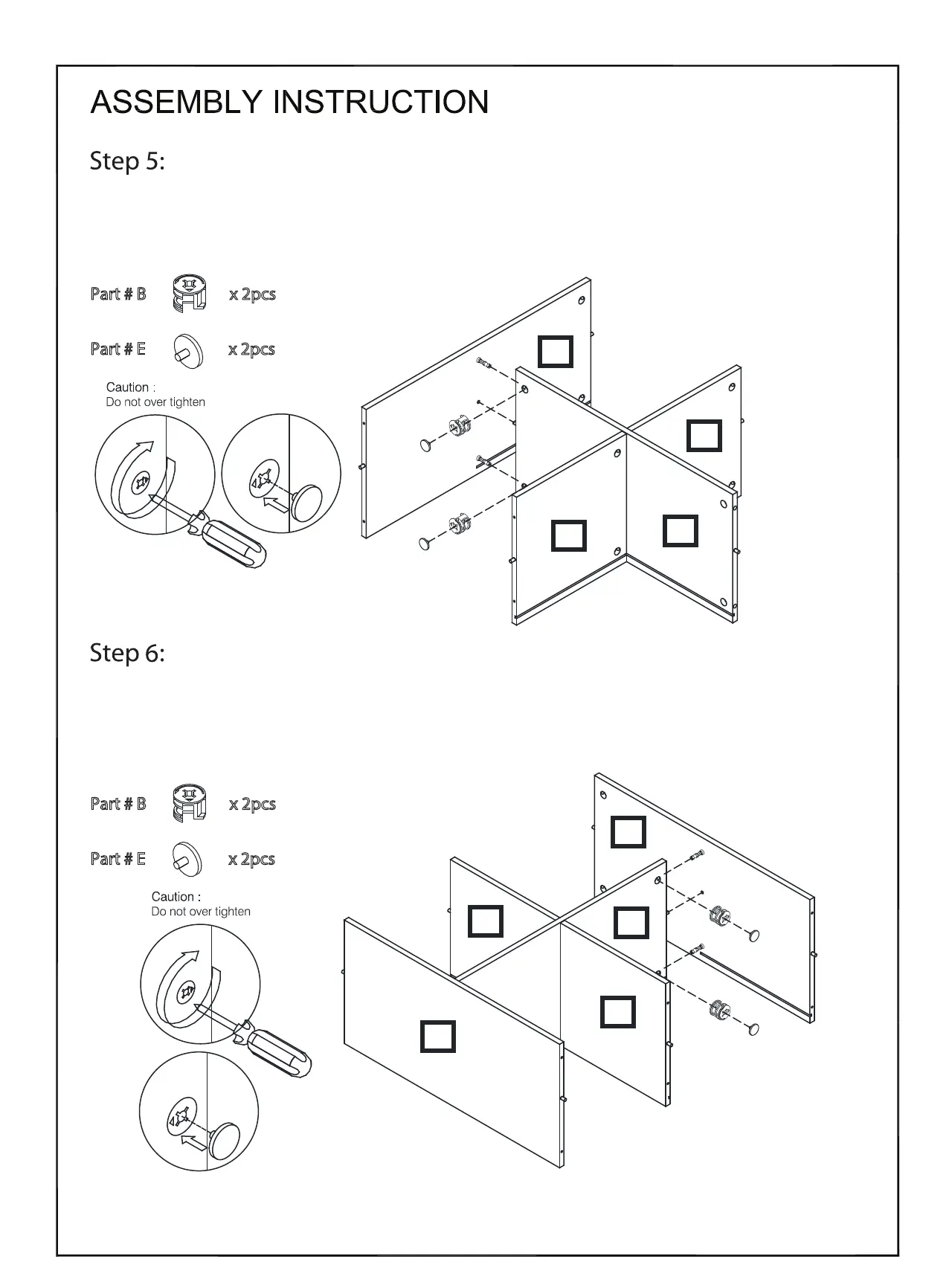
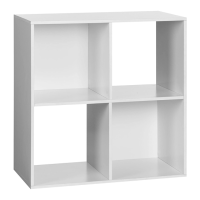
Insert the Minix Cams (B) into the Shelf Panel (5). Attach Side Panel Left (1) to the Shelf Panel (5).
While doing this make sure that the grooves for the Back Panel are aligned. Tighten the two Minix
Cams (B) clockwise and cover them with Cam Caps (E).
Insert the Minix Cams (B) into the Shelf Panel (5). Attach Side Panel Right (2) to the Shelf Panel (5).
While doing this make sure that the grooves for the Back Panel are aligned. Tighten the two Minix
Cams (B) clockwise and cover them with Cam Caps (E).
Part # B x 2pcs
Part # E x 2pcs
Part # B x 2pcs
Part # E x 2pcs
1
2
5
6
7
6 OF 10




 To Next Page