
 Need help?
Do you have a question about the Onespace STANTON 50-1001WO and is the answer not in the manual?
Connect back board to stands using screws. Attach leg caps to stands.
Place extenders and secure the desktop using screws.
Install the bottom shelf using the specified screws.
Fasten the keyboard tray using screws, requiring a screwdriver.
Ensure all screws are securely fastened and check tightness periodically.
Avoid standing on the desk or using it as a stepladder; ensure all fasteners are secure.
Check all bolts and screws every six months to ensure they remain tight.
One-year warranty against defects in material and workmanship for original end-users.
Visit comfortproducts.net/support or email for claims, replacement parts, or questions.
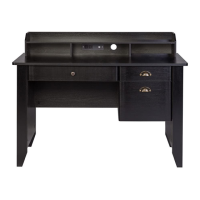
This document provides assembly instructions and product information for the Stanton Computer Desk, model 50-1001WO, manufactured by Comfort Products, Inc. under the OneSpace™ brand. The desk is designed for general computer use and features a white oak finish.
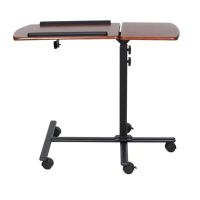
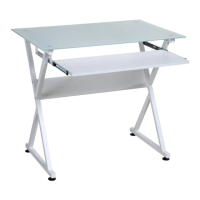
The Stanton Computer Desk is a compact and functional piece of furniture designed to provide a dedicated workspace for a computer. It includes a desktop surface for a monitor or laptop, a pull-out keyboard tray for ergonomic typing, and a bottom shelf for additional storage or to house a computer tower. The desk's design emphasizes simplicity and practicality, making it suitable for various home or office environments where space optimization is important. Its structure is supported by metal stands, ensuring stability for daily use.
 General
| Brand | Onespace |
|---|---|
| Model | STANTON 50-1001WO |
| Category | Indoor Furnishing |
| Language | English |




 To Next Page