6
Care and maintenance
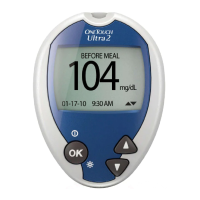
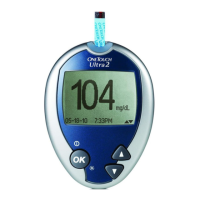
104
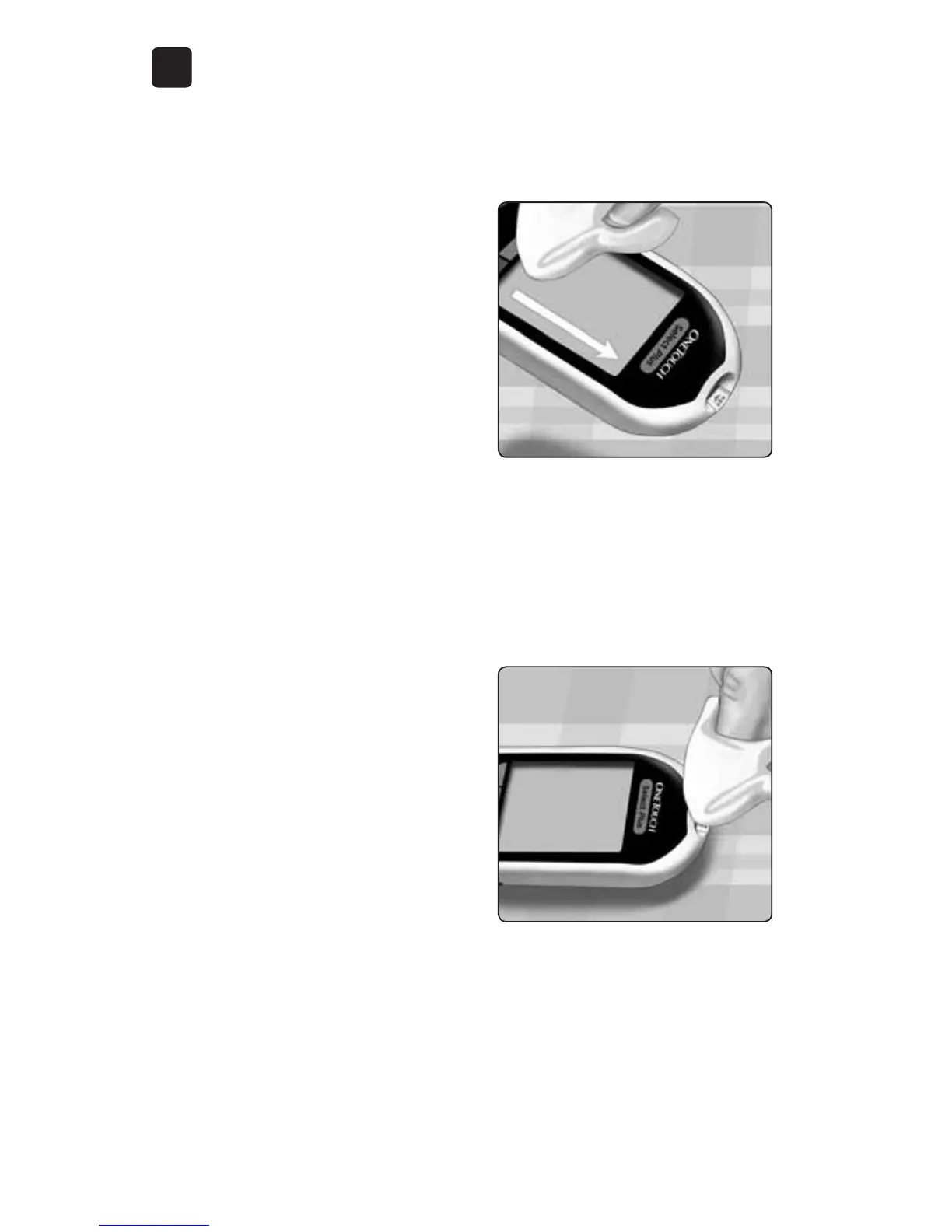
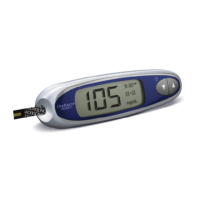
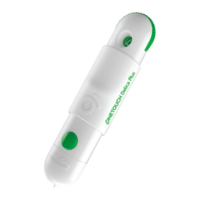
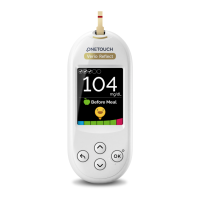
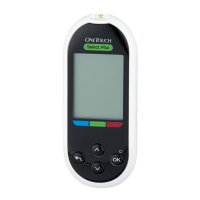
1. Holding the meter with the
test strip port pointed down,
use a soft cloth dampened
with water and mild detergent
to wipe the outside of the
meter and lancing device
Be sure to squeeze out any
excess liquid before you wipe
the meter. Wipe the outside of
the cap.
2. Wipe dry with a clean, soft
cloth




 To Next Page