EasyManua.ls Logo

Onix A - 25 - User Manual

Onix A - 25
24 pages
Print Icon
To Next Page IconTo Next Page
Loading...
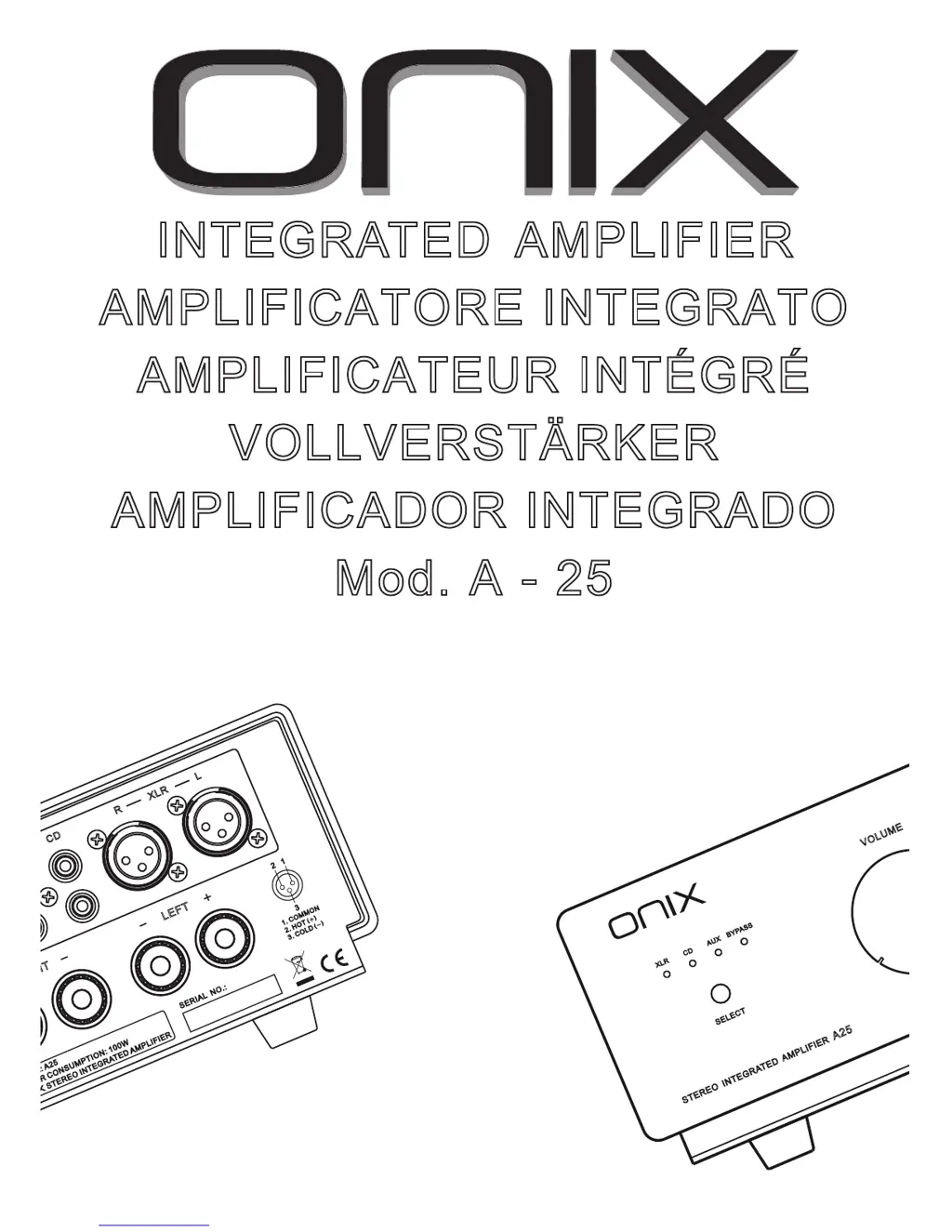
INTEGRATED AMPLIFIER
AMPLIFICATORE INTEGRATO
AMPLIFICATEUR INTÉGRÉ
VOLLVERSTÄRKER
AMPLIFICADOR INTEGRADO
Mod. A - 25
MANUALE D’USO
USER'S GUIDE
GUIDE DE L'UTILISATEUR
BEDIENUNGSANLEITUNG
GUÍA DEL USUARIO
H
T
L
E
F
T
L
:
A2
5
E
R
C
O
N
S
U
M
P
T
I
O
N
:
1
0
0
W
S
T
E
R
E
O I
N
T
E
G
R
A
T
E
D
A
M
P
L
I
F
I
E
R
S
ER
I
A
L N
O
.
:
2
1
3
1. C
O
M
M
O
N
2. H
O
T
3. C
O
LD
C
D
X
L
R
R
L
V
O
L
U
ME
CD
AU
X
X
L
R
B
Y
P
A
S
S
S
E
L
E
C
T
STEREO INTEGRATED AMPLIFIER
A25

Questions and Answers

  • D
    Danielle CollinsJul 29, 2025
    What to do if there is no sound from my Onix Amplifier?
    • A
      Angela JacobsJul 29, 2025
      If you are experiencing a lack of sound from your Onix Amplifier, verify that the connecting cords are properly connected to the terminals. Also, ensure that the input selector corresponds to the component you intend to use. Check if connections between external device and the amplifier are connected correctly. Check if the LED of the input selector corresponds to the input source that you want to listen.

Summary

Users Guide and Initial Setup

Installation Guidelines

Proper placement for ventilation and heat dissipation during installation.

Connecting Audio Cables

Steps for connecting RCA and speaker cords, emphasizing correct polarity.

Exterior Maintenance Advice

How to clean the amplifier's surfaces safely using a dry cloth.

Power Cord Handling Safety

Crucial safety instructions for using the power cord to prevent electrical hazards.

Amplifier Controls and Operation

Front Panel Overview

Identification and function of front panel controls: power, volume, selector, indicator.

Rear Panel Connectivity

Description of rear panel inputs, outputs, and power connection socket.

Listening and Source Selection

Guide to operating the amplifier: setting volume and choosing audio sources.

Input;Output Functionality

Details on RCA, XLR, BYPASS inputs and the PREOUT preamp function.

Protection and Troubleshooting

Information on protection circuits and common issues with their remedies.

Key Internal Components

List of major internal components like transistors, capacitors, and transformer.

Technical Details and Safety

Performance Specifications

Technical data including output power, frequency response, sensitivity, and THD.

Warranty and Service Information

Details on product warranty, purchase proof, and seeking service.

Safety Symbols and Warnings

Explanation of critical safety symbols and warnings for user protection.

Regional Usage Notes

United Kingdom Mains Connection

Specific instructions for UK mains lead wiring and fuse replacement.

Onix A - 25 Specifications

General IconGeneral
BrandOnix
ModelA - 25
CategoryAmplifier
LanguageEnglish

Related product manuals