Setting up the receiver (parent) unit
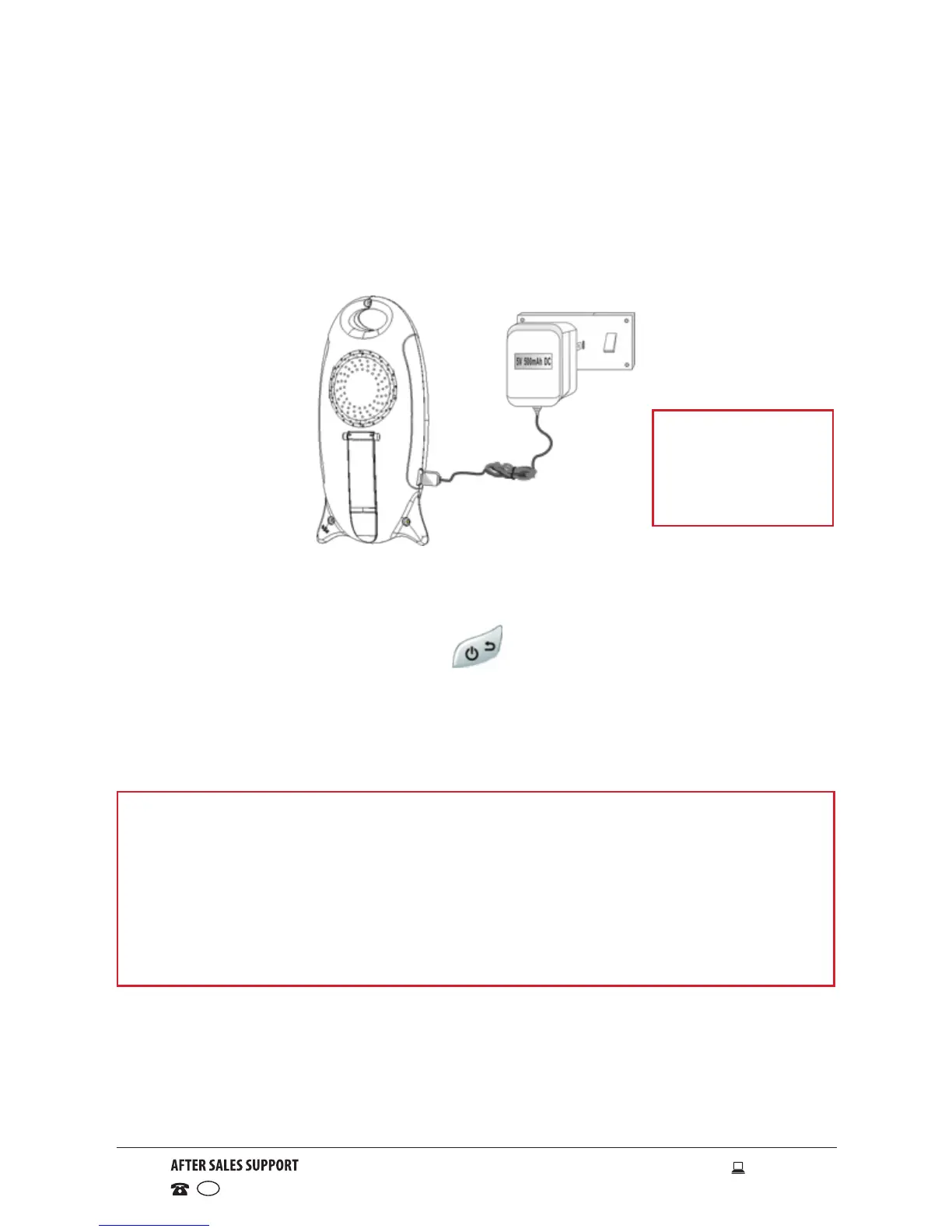
• Connect the Mini USB jack of the power adaptor to the receiver unit and
the other end to the mains socket. A red LED light will display to indicate
the parent unit is turned on. The LCD will illuminate and the unit will start
charging the battery.
NOTE
• Both units are registered (paired) at the factory so you do not need
to do anything when using the unit for the first time; the receiver will
automatically pick up the video. If the units fail to find each other,
power both units off to reset, or re-register them (see page 13).
• If the baby unit is out of range, the receiver unit will display
“Connecting...”. Move the receiver unit close to the camera unit.
Getting Started (Cont.)
• You can power up the receiver unit by connecting it to AC power or by
using the internal rechargeable battery.
• Press and hold the Power/Return button for at least 3 seconds to
turn on the parent unit.
• When the receiver unit turns on, it will automatically search and pair with
the camera unit.
NOTE
Only use the
power adaptor
provided.



 To Next Page