71
Advanced setup
—Continued
Diaplay
Here you can make display-related settings.
■
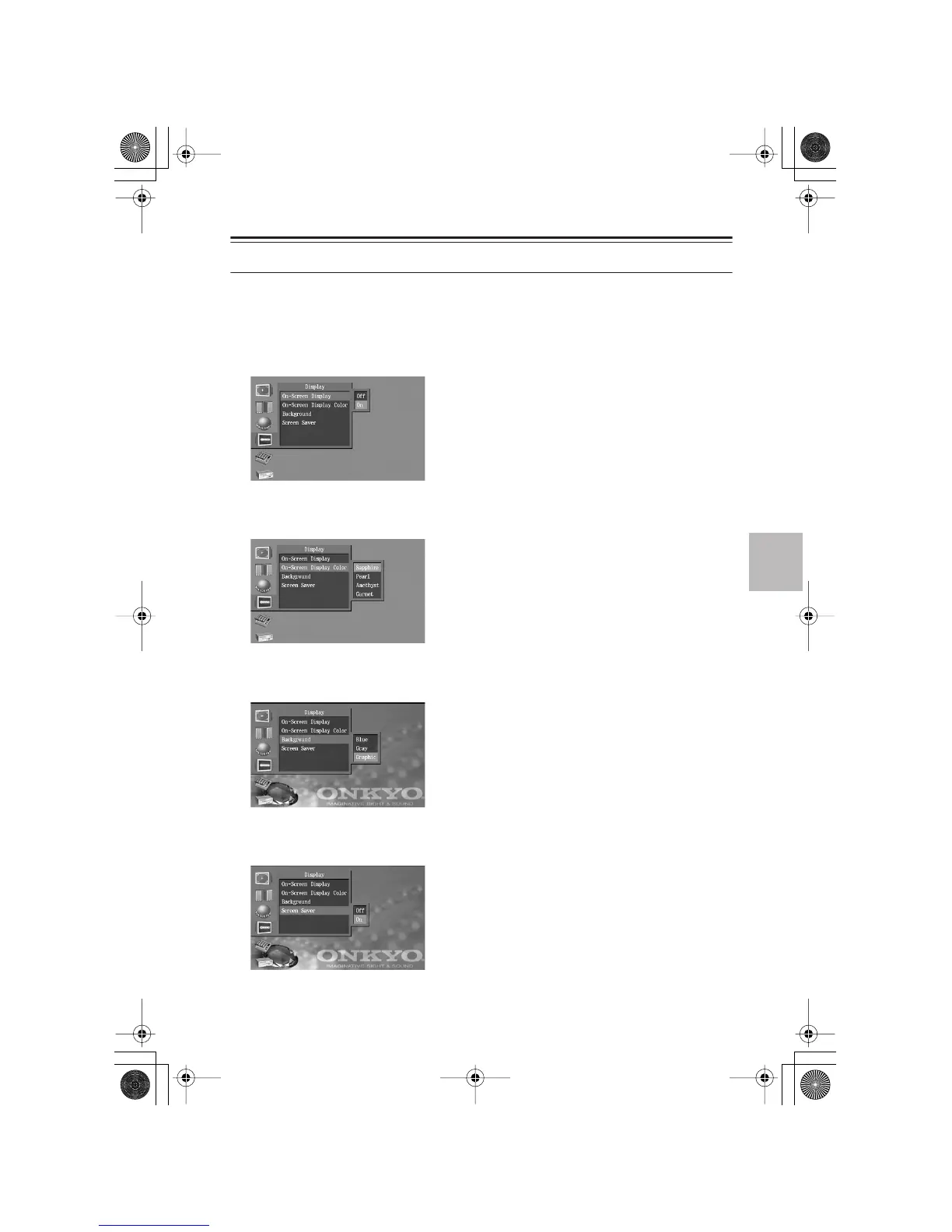
On-Screen Display
This specifies whether the operating status such as “Stop” or “Play” will be shown on the screen
when you play a DVD.
Off:
Operating status is not displayed.
On (Default setting):
Operating status is displayed.
■
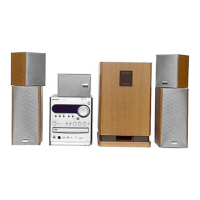
On-Screen Display Color
This specifies the color or graphic of the setup menu and navigator screens.
Sapphire (Default setting)
Pearl
Amethyst
Garnet
■
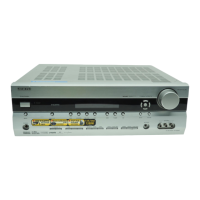
Background
This specifies the background color of the on-screen setup menus.
Blue
Gray
Graphic (Default setting)
■
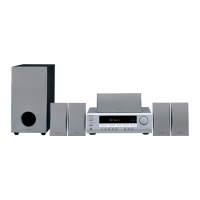
Screen Saver
This enables the screen saver function which prevents image burn-in on the television screen.
Off:
The screen saver will not operate.
On:
The screen saver will operate. (Default setting)
DV-S155X-En.book Page 71 Saturday, July 24, 2004 2:20 PM


 To Next Page