EasyManua.ls Logo

Onkyo TX-84 - Page 6

Onkyo TX-84
14 pages
Print Icon
To Next Page IconTo Next Page
To Previous Page IconTo Previous Page
Loading...
4.
|lf
tape
deck
1
Is
remote
control
compatible,
connect
the
supplied
tape
deck
DIN
cord
plug
to
the
DIN
type
remote
contro}
jack
on
the
Tape
Deck
and
the
tape
deck
remote
contro!
DIN
jack
on
the
rear
panel
of
TX-84/82.
Compatible
Onkyo
Remote
Control
Cassette
Decks
TA-2140
TA-R240
TA-2130
TA-2028
TA-2090
(3-head)
TA-2048
(3-head)
TA-2058
(3-head)
TA-W460
TA-R260
Video
Disc
Player
(or
Video
Cassette
Piayer)
Connect
the
“VIDEO”
output
of
the
video
disc
player
to
the
TX-84/82
VCR-1/VDP
“PLAY”
jack
and
the
“AUDIO”
output
to
the
VCR-1/VDP
PLAY
(AUDIO)
jack.
When
connecting
a
monaural
VCR
to
the
VCR-1/VDP
jack,
connect
the
VCR’s
audio
output
to
either
the
L
or
R
VCR-1/VDP
“PLAY”
audio
input
jack
of
the
TX-84/82.
Then
set
the
TX-84/82’s
mode
switch
(MODE)
to
“MONO”.
If
this
is
not
done,
sound
will
be
output
from
only
one
speaker,
the
right
or
the
left.
The
VCR-1/VDP
jack
is
only
for
playback,
there
is
no
REC
jack.
For
more
details,
refer
to
the
video
disc
player
instruction
manual.
Video
Cassette
Recorder
1.
Connect
the
“VIDEO”
output
of
VCR
to
the
rear
panel
VCR-2
PLAY
jacks
and
the
“VIDEO”
input
of
VCR
to
the
rear
pane!
VCR-2
REC
jacks.
Then
connect
the
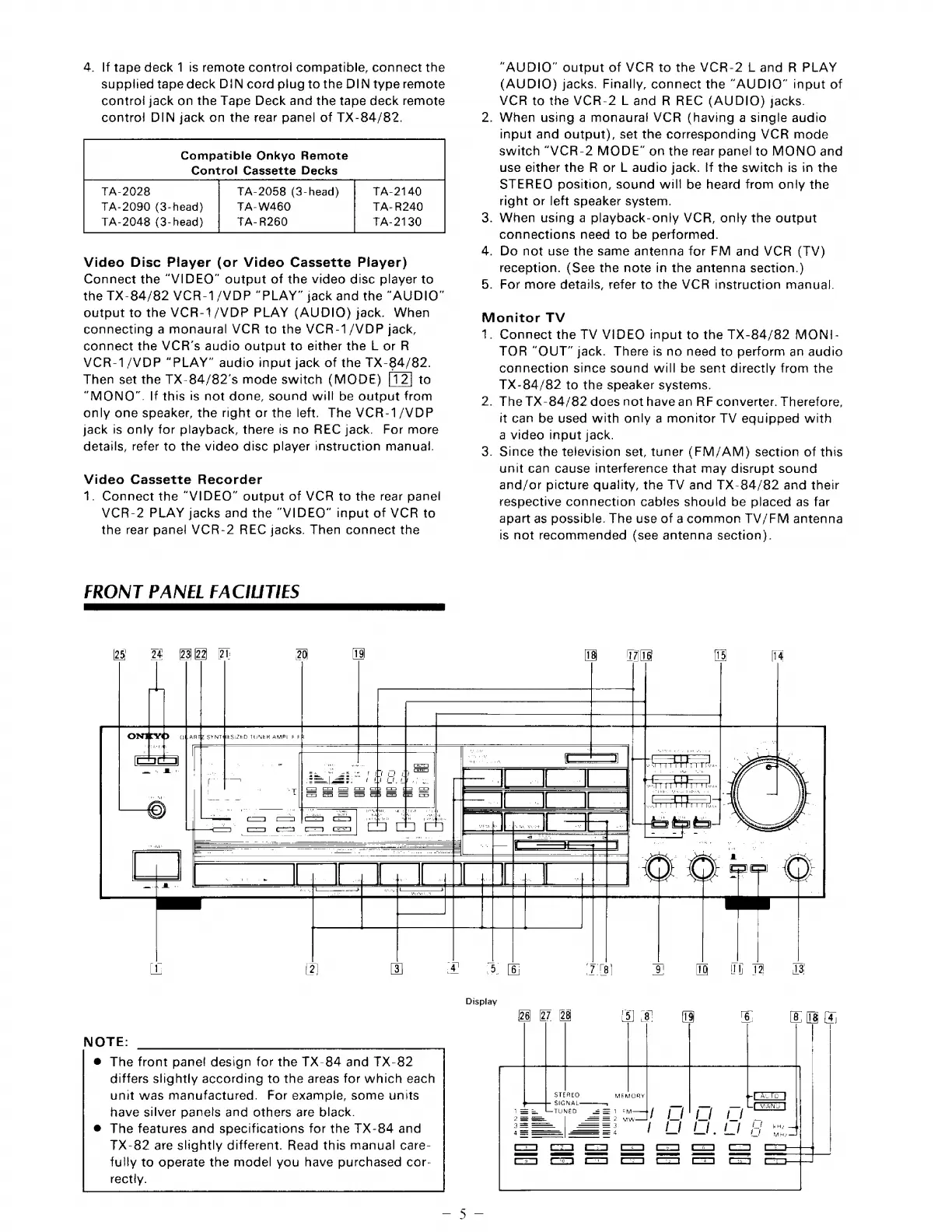
FRONT
PANEL
FACILITIES
25
0
6=—
eS
f2Q
Ot
20
“AUDIO”
output
of
VCR
to
the
VCR-2
L
and
R
PLAY
(AUDIQ)
jacks.
Finally,
connect
the
“AUDIO”
input
of
VCR
to
the
VCR-2
L
and
R
REC
(AUDIO)
jacks.
2.
When
using
a
monaural!
VCR
(having
a
single
audio
input
and
output),
set
the
corresponding
VCR
mode
switch
“VCR-2
MODE”
on
the
rear
panel
to
MONO
and
use
either
the
R
or
L
audio
jack.
If
the
switch
is
in
the
STEREO
position,
sound
will
be
heard
from
only
the
right
or
left
speaker
system.
3.
When
using
a
playback-only
VCR,
only
the
output
connections
need
to
be
performed.
4.
Do
not
use
the
same
antenna
for
FM
and
VCR
(TV)
reception.
(See
the
note
in
the
antenna
section.)
5.
For
more
details,
refer
to
the
VCR
instruction
manual.
Monitor
TV
1.
Connect
the
TV
VIDEO
input
to
the
TX-84/82
MONI-
TOR
“OUT”
jack.
There
is
no
need
to
perform
an
audio
connection
since
sound
will
be
sent
directly
from
the
TX-84/82
to
the
speaker
systems.
2.
The
TX-84/82
does
not
have
an
RF
converter.
Therefore,
it
can
be
used
with
only
a
monitor
TV
equipped
with
a
video
input
jack.
3.
Since
the
television
set,
tuner
(FM/AM)
section
of
this
unit
Gan
cause
interference
that
may
disrupt
sound
and/or
picture
quality,
the
TV
and
TX-84/82
and
their
respective
connection
cabjJes
should
be
placed
as
far
apart
as
possible.
The
use
of
acommon
TV/FM
antenna
is
not
recommended
(see
antenna
section).
18
1716
15
14
|
_
|
pO
EF
(2,
[3
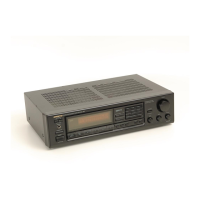
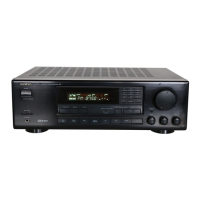
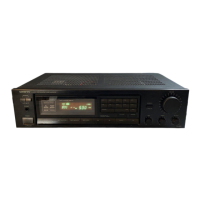
NOTE:
®
The
front
pane!
design
for
the
TX-84
and
TX-82
differs
slightly
according
to
the
areas
for
which
each
unit
was
manufactured.
For
exampie,
some
units
have
silver
panels
and
others
are
black.
The
features
and
specifications
for
the
TX-84
and
TX-82
are
slightly
different.
Read
this
manual
care-
fully
to
operate
the
model
you
have
purchased
cor-
rectly.
cal
[=]
imal
oo
[|
[S|
=|
_
ei
(—
Lv)
Display
26
[27
28
5)
8!
fig
6.
(8,
(18
[4
Ad
a
z=
aa
r—
|
UNE
1
UH
Ail
|
Kl
jl
hi
hy
&
toh
ill
ui
ail

Related product manuals