Tips:
•Verify the camera is in Video Mode, Press and hold the Up Button
seconds to turn on/off Wi-Fi.
•Verify the camera is in Video Mode, press shortly the Down button to
switch between the front screen or the rear screen to display.
•Verify the camera is in Video Mode, press Down button for seconds
to turn on/off 2.4G remote controller.
•Verify the camera is in Photo Mode, Press and hold the Up Button or
Down Button to Zoom in/out photo.
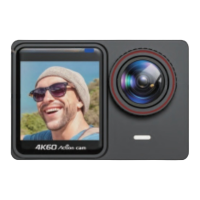
•The 1.4-inch front screen has no operation function and is only used
for preview.
HELLO
Welcome to your new camera. To capture video and photos, you
need a micro SD card (sold separately).
STORAGE/MICRO CARDS
We strongly recommend to use the branded memory cards purchased
from regular channels for maximum reliability and stability during
recording and in high vibration activities.
Use brand name memory cards that meet these requirements:
GETTING STARTED
English-2
1. Lens
2. 1.4-inch Front Screen
3. Front Screen Working Indicator
4. 2.0-inch Touch Screen
5. Working & Charging Indicator
6. Shutter Button / Select Button
7. Mode Button/ Power Button
8. Battery Door
9. Bracket Hole
10. Speaker
11. Built-in Mic
12. HD Output Port
13. External Mic/Data/Charging Port
14. Up Button / Wi-Fi Button
15. Down Button / Screen Toggle Button /
- Remote Button


 To Next Page