20
Taskbar
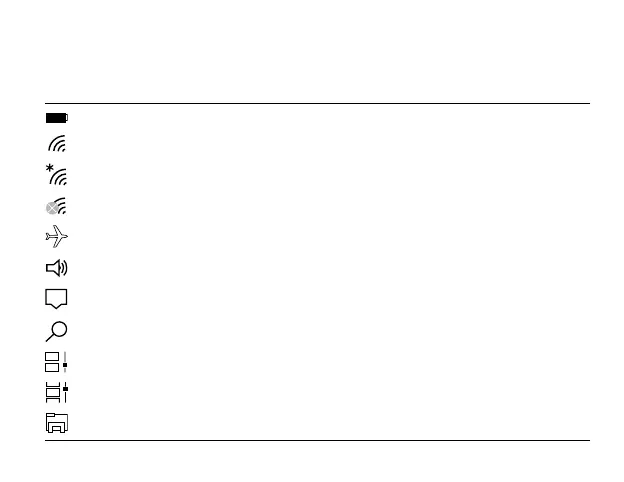
The below table lists some of the frequently used icons in the Taskbar:
Shows the battery status.
Displays when Wi-Fi is turned on but there is NO a Wi-Fi network connection.
Displays when a Wi-Fi network connected.
Displays when Wi-Fi is turned o.
Airplane mode is on.
Adjusts the speaker volume.
Shows the recent task.
Launches Search.
Shows all opened tasks in a single view.
Launches the File Explorer.
Launches Action Center
Icon Description



 To Next Page