30
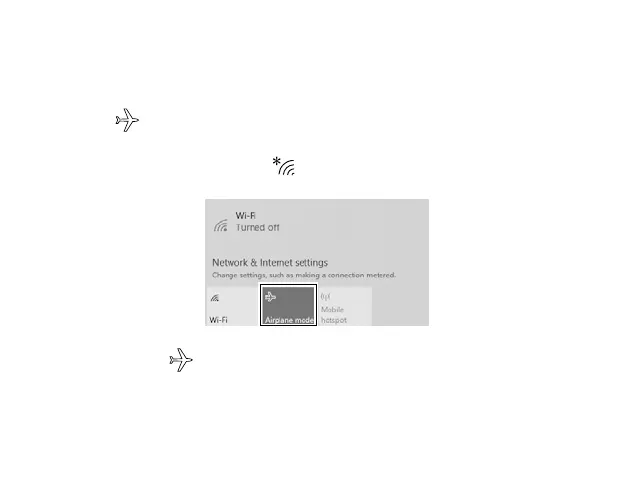
If you see icon displayed in the lower-right corner of the screen, the Airplane
mode is on. You should turn o the Airplane mode to enable the wireless network.
The Airplane mode disables the wireless connection, allowing you to use your
Laptop safely while in-flight.
1.
On the Taskbar, select and tap .
2.
Select and tap
Airplane mode
.
Tip: You can also go to Settings -> Network & Internet -> Airplane mode, tap it to On.
Airplane mode



 To Next Page