33
Volume
You can adjust the system volume or sound volume when playing music or video.
Press the F5 key on the keyboard to decrease the sound volume.
Press the F6 key on the keyboard to
increase
the sound volume.
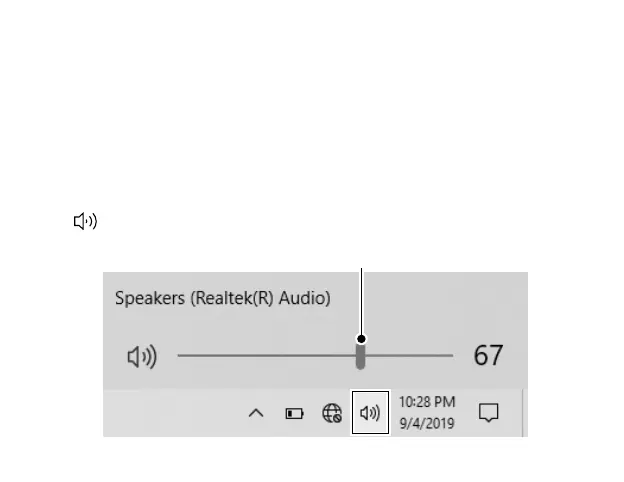
Tap
on the Taskbar, then drag the adjustment bar to your desired volume.
Using the keyboard to control volume
Using the taskbar to control volume
Volume adjustment bar



 To Next Page