www.onyx-international.com
Copyright © 2017 Onyx International. All rights reserved. 16 / 93
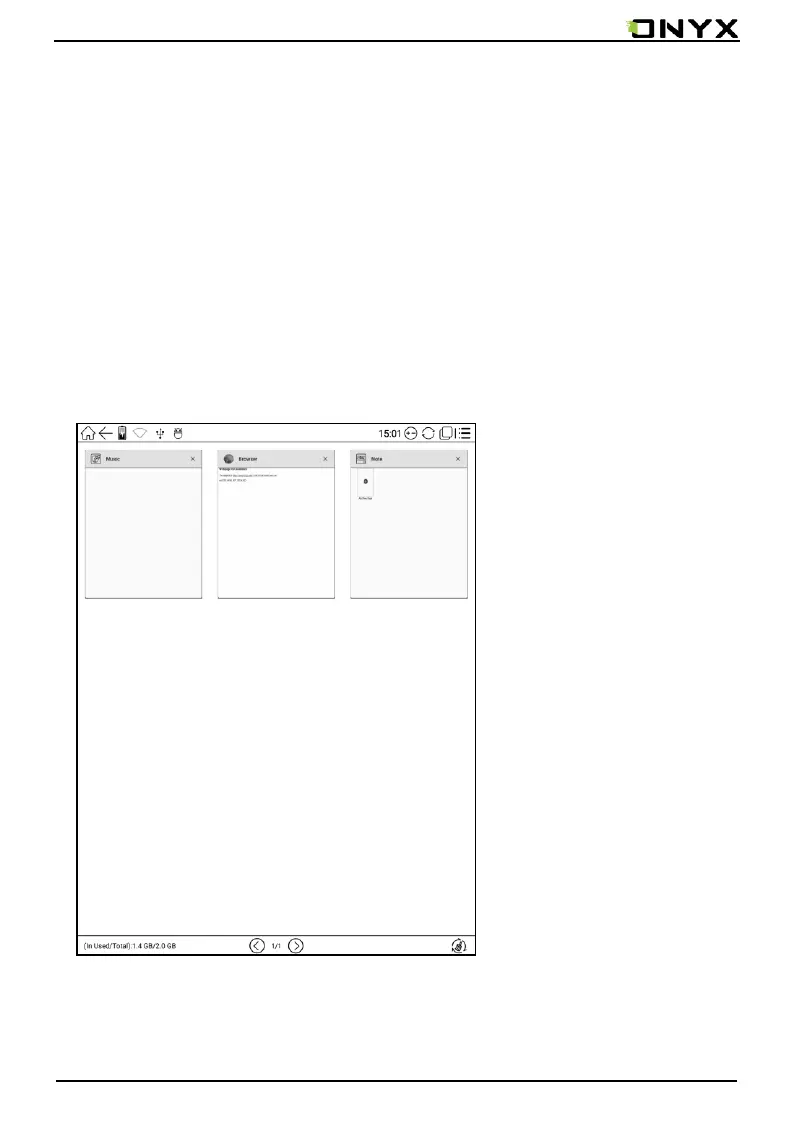
5.3 Multi-tasking interface
Click multi-tasking icon, to switch on/off multi-tasking interface to check the
running applications list in background, you can choose to switch or close the
selected application.
One click removal mode can release more memory space, optimize the system
speed.



 To Next Page
 Loading...






