Add Phone to Your Account
STEP 1
If your phone is labeled Ready to Call, you
may skip this step and continue to Step 2.
Otherwise, you will need to add your new
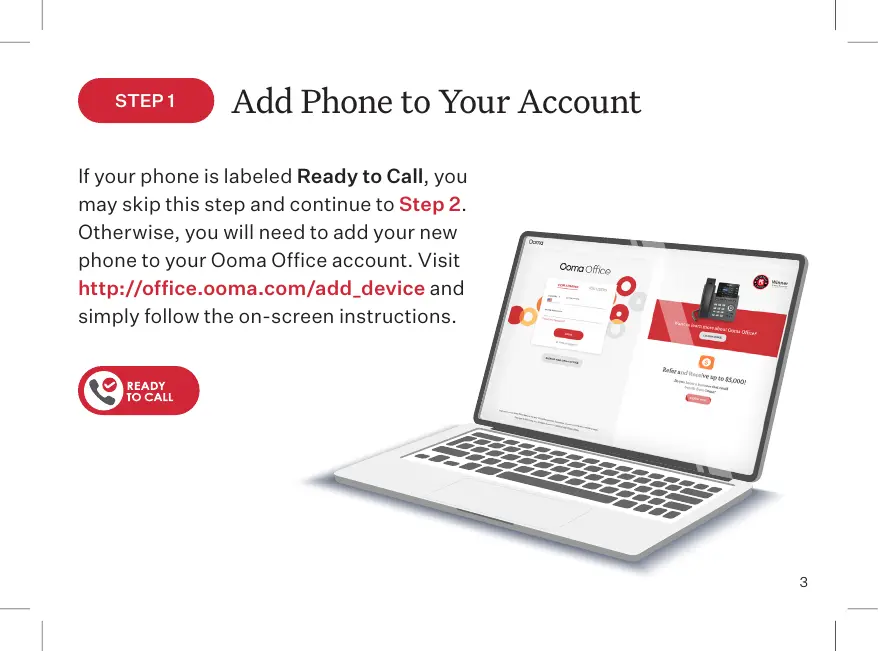
phone to your Ooma Office account. Visit
http://office.ooma.com/add_device and
simply follow the on-screen instructions.
3



 To Next Page