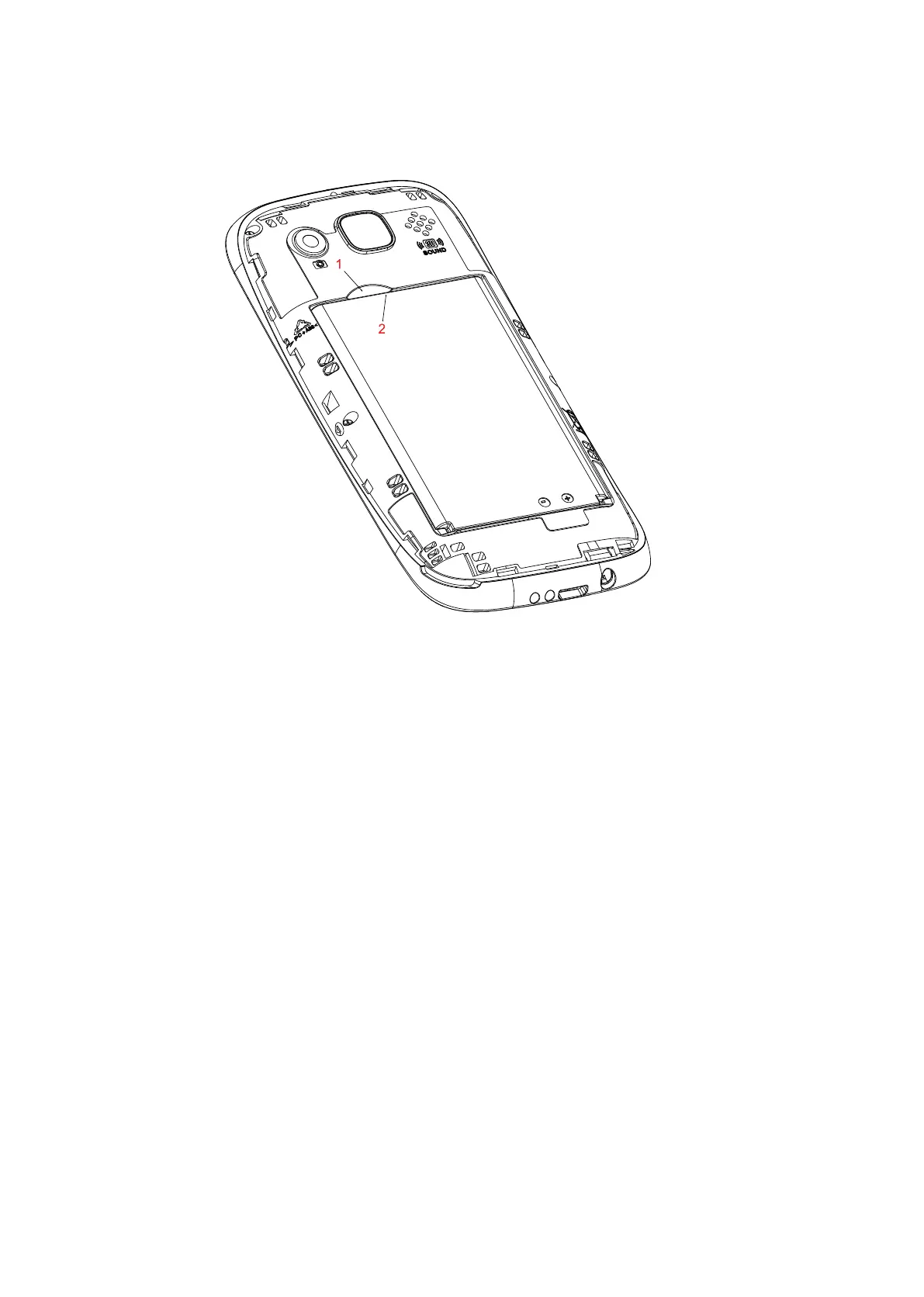
Installing the baery
1. Insert the baery by aligning the gold baery contacts with the phones 3 gold pins. Slide into place and push
down to insert the baery.
Charging the Phone:
1. To charge your phone, insert the power adaptor into the wall.
2. Then insert the Micro USB into the phones charging socket or insert into the charging cradles
charging socket and insert the phone into the charging dock
3. Turn the power on from your walls power.
4. We recommend charging the baery for at least 4 hrs before your first use.
*Please note if your baery goes completely flat, you will need to charge it for at least 10 minutes
before the phone will turn on again.
Turning the phone on and o:
1. To turn the phone on, hold down the RED end call/power buon key for at least 5 seconds until it
begins to power on.
2. To turn the phone o, hold down the RED end call/power buon for 5 seconds. Then click power
o and ok to power the phone o.
9














 To Next Page