Instruments and controls 101
Turn multifunction knob to:
■ select a setting or value
■ display a menu option
Push multifunction knob to:
■ confirm a setting or value
■ select or activate the marked option
■ switch a system function on/off
Push button BACK to:
■ exit a menu or setting without
changing
■ return from a submenu to a higher
menu level
■ delete the last character in a
character sequence. Push BACK
for a few seconds to delete the
entire entry.
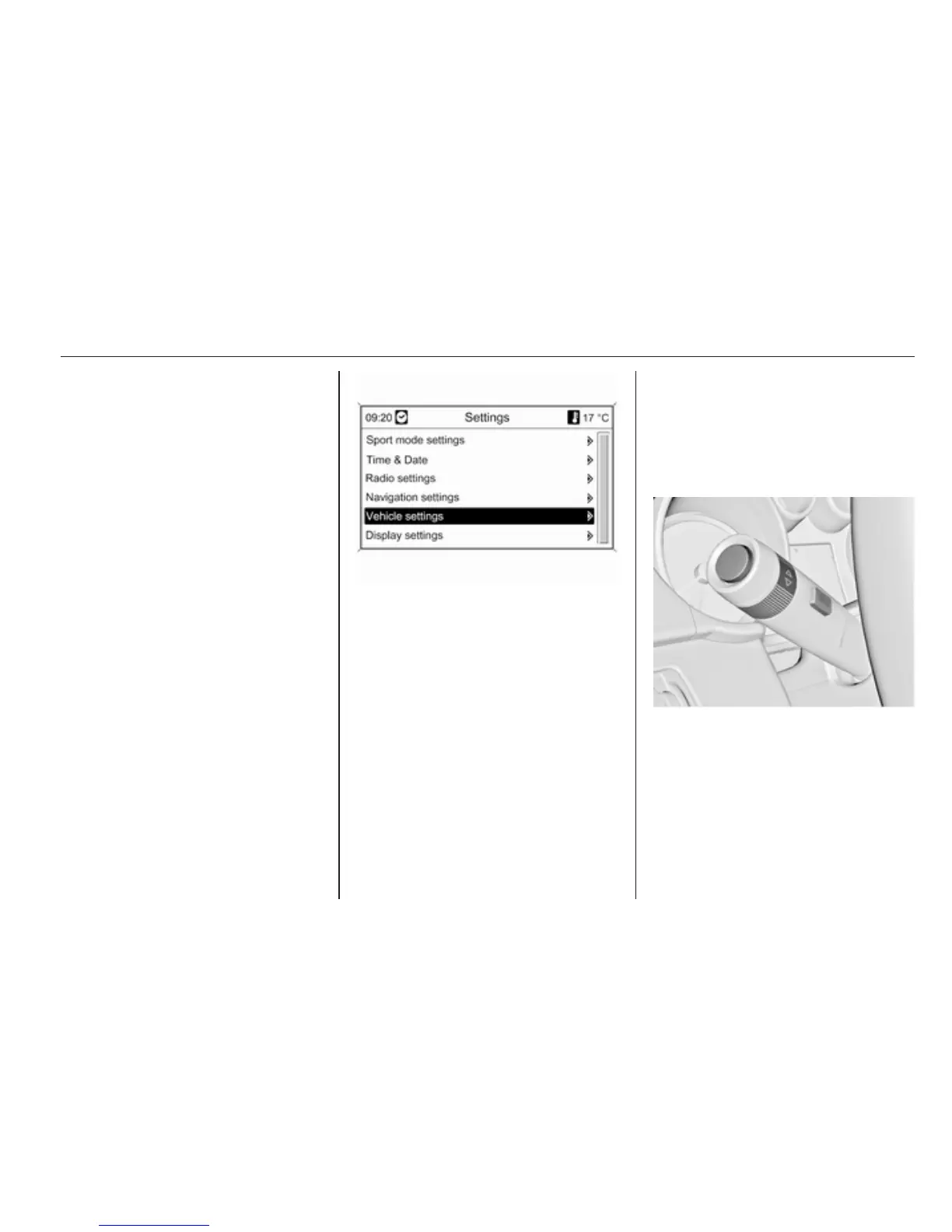
To exit the Settings menu, push
button BACK stepwise or push button
CONFIG after confirming the
changes.
Vehicle personalisation 3 103.
Memorised settings 3 21.
Vehicle messages
Messages are indicated in the Driver
Information Centre (DIC), in some
cases together with a warning and
signal sound.
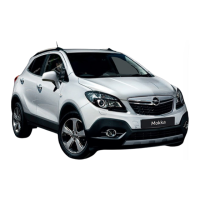
Press the SET/CLR button, the
MENU button or turn the adjuster
wheel to confirm a message.



 To Next Page