82 Instruments and controls
Selectable setting options:
■ Set time:: Changes the time shown
on the display.
■ Set date:: Changes the date shown
on the display.
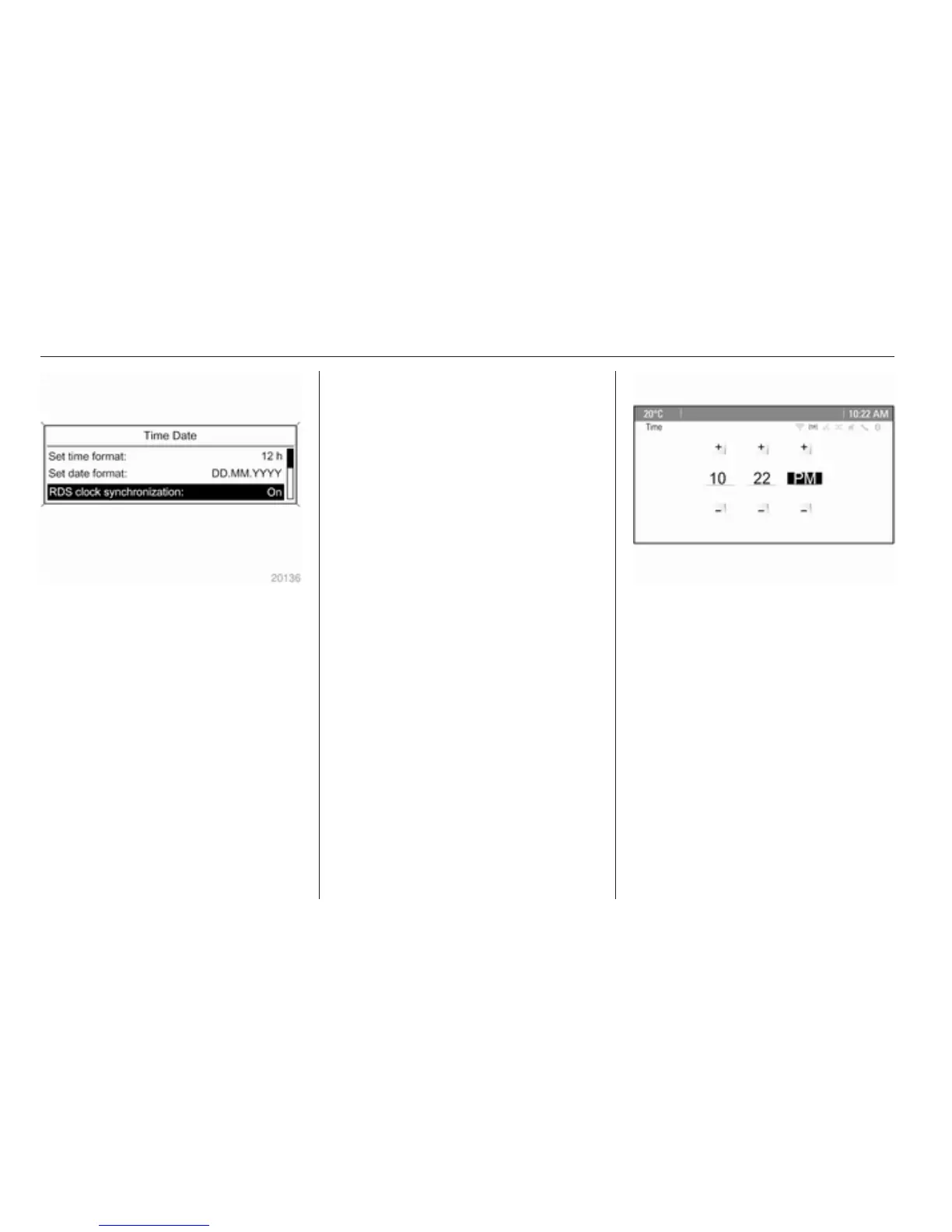
■ Set time format: Changes
indication of hours between 12 h
and 24 h.
■ Set date format: Changes
indication of date between MM/DD/
YYYY and DD.MM.YYYY.
■ Display clock: Switches on/off
indication of time on the display.
■ RDS clock synchronization: The
RDS signal of most VHF
transmitters automatically sets the
time. RDS time synchronisation
can take a few minutes. Some
transmitters do not send a correct
time signal. In such cases, it is
recommended to switch off
automatic time synchronisation.
Vehicle personalisation 3 103.
Time and date settings
CD 600/Navi 650/Navi 950
Press the Config button and then
select the Time and Date menu item
to display the respective submenu.
Note
If RDS Auto Time Adjust is activated,
time and date are automatically set
by the system.
See Infotainment system manual for
further information.
Set time
To adjust the time settings, select the
Set Time menu item. Turn the
multifunction knob to adjust the first
setting.
Press the multifunction knob to
confirm the input. The coloured
background moves to the next
setting.



 To Next Page