62 Navigation
■ Route: Sets the scale of the map
such that the current position and
destination of the route can be
seen.
■ Scale: Changes the scale for the
map display.
Changing map scale 3 56.
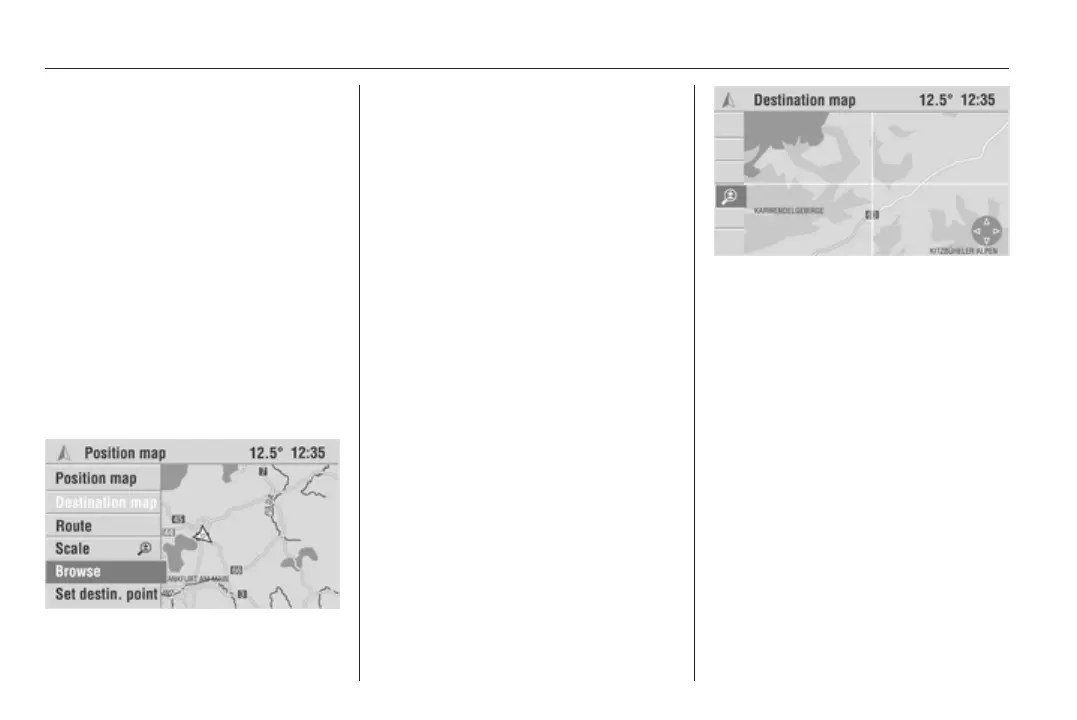
■ Map scroll/Map scroll OFF: Turns
the cursor on and off and allows the
map to be moved using the rocker
switch.
■ Set destin. point: Sets the cross of
the cursor as the new destination.
Moving the map section
(Colour Info Display only)
As soon as Map scroll is activated,
a cursor is displayed and you can
scroll the map using the rocker
switch.
1. Select the Map scroll menu item in
the menu bar.
2. Scroll the map using the rocker
switch and position the required
map area behind the cursor.
3. Select the Map scroll OFF menu
item in the menu bar to restore the
original map section (current
position or destination) and hide
the cursor.
When active guidance is selected, the
Map scroll function cannot be
activated.
Entering destinations via the map
(Colour Info Display only)
While the position or destination map
is displayed:
1. Activate the cursor with the Map
scroll menu item if it is not already
shown.
2. Move the cursor to the desired
point on the map.
Initially use a large map scale
(e.g. 20, 50, 100 km) to roughly
set the map section.
3. Select a small scale to show
a detailed map of all roads and to
be able to exactly define the
destination.









 To Next Page