Navigation 63
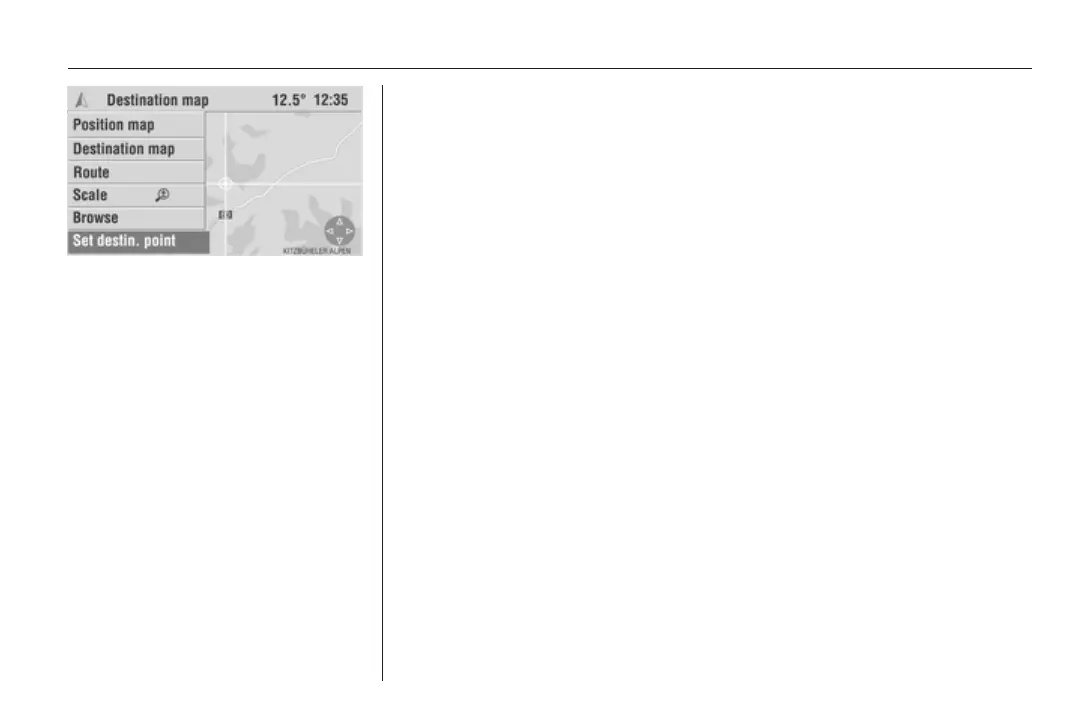
4. Select the Set destin. point menu
item in the menu bar to accept the
selected position on the map as
the destination.
The Destin. Input menu with the
details of the new destination is
displayed.
5. Select Save to save the
destination in the address book.
or:
select Start navi to activate
guidance to the new destination.
If you have activated the display of
points of interest (e.g. petrol stations)
in the navigation Settings menu,
these are indicated on the map by
corresponding symbols. Navigation
settings 3 38









 To Next Page