Introduction 13
Press d to display the main menu of
the apps mode.
Touch Apple CarPlay or
Android Auto. A menu with different
selectable apps is displayed.
For a detailed description 3 30.
Settings
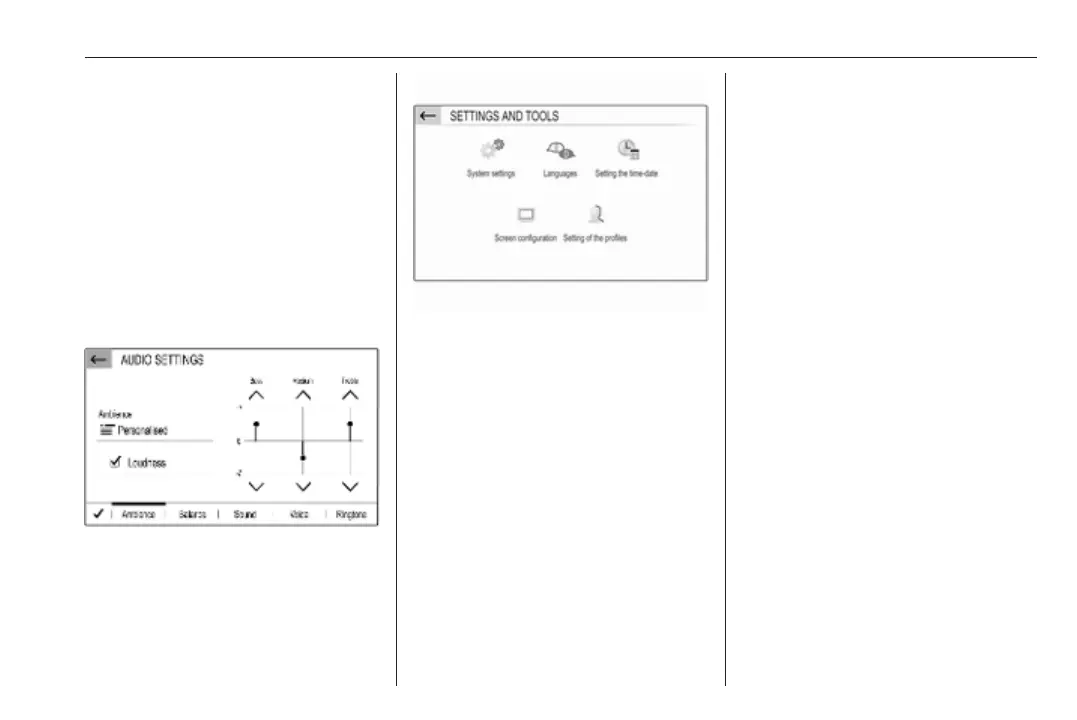
Press : and then select Audio
settings to display the respective
menu.
For a detailed description 3 14.
Press : and then OPTIONS to
display a menu for various system-
related settings.
For a detailed description 3 14.
Vehicle settings
Select _ to open a menu for various
vehicle-related settings.
Vehicle settings are described in the
Owner's Manual.



 To Next Page