Basic operation 65
Basic operation
Basic operation ............................ 65
Tone and volume settings ........... 66
System settings ........................... 67
Basic operation
OK button
Press OK:
● to confirm or activate the
selected option
● to confirm a set value
● to activate or deactivate a
function
● to open a menu
ß button
Press ß:
● to exit a menu
● to return from a submenu to the
next higher menu level
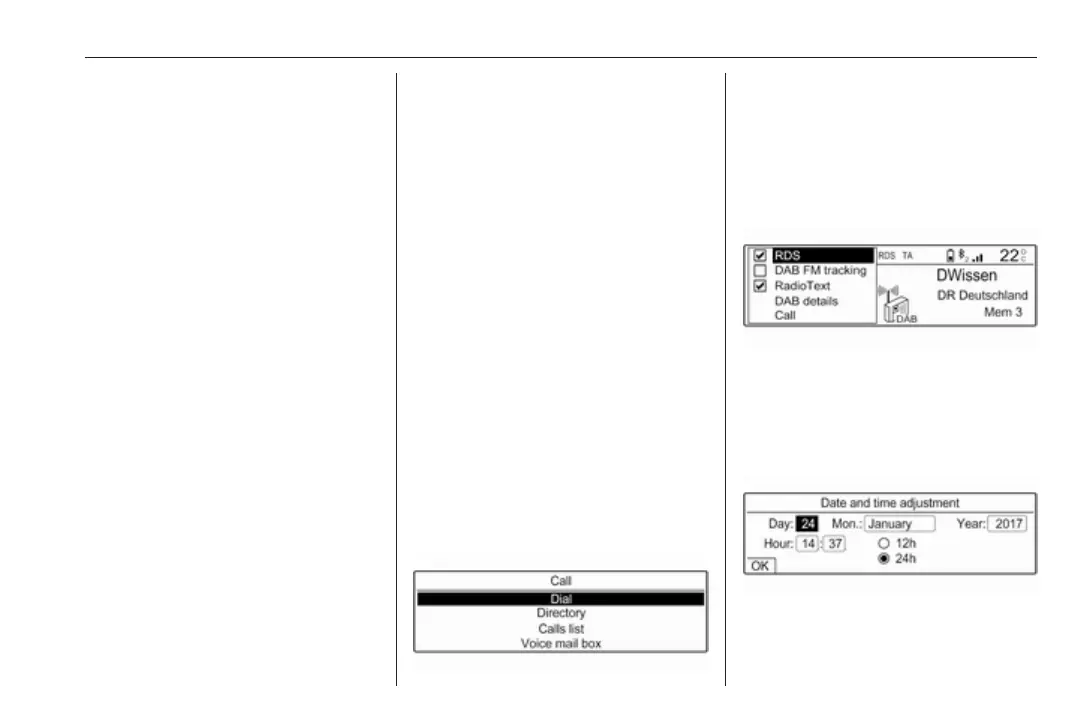
Examples of menu operation
Selecting an option
Press Y, Z, f or g to move the cursor
(= coloured background) to the
desired option.
Press OK to confirm the selected
option.
Activating a setting
Press Y, Z, f or g to select the
desired setting.
Press OK to activate the setting.
Setting a value
Press f or g to select the current
value of the setting.
Press OK to confirm the selection.



 To Next Page